EasyManua.ls Logo

Sony EV-C500E - Page 25

Sony EV-C500E
38 pages
Print Icon
To Next Page IconTo Next Page
To Previous Page IconTo Previous Page
Loading...
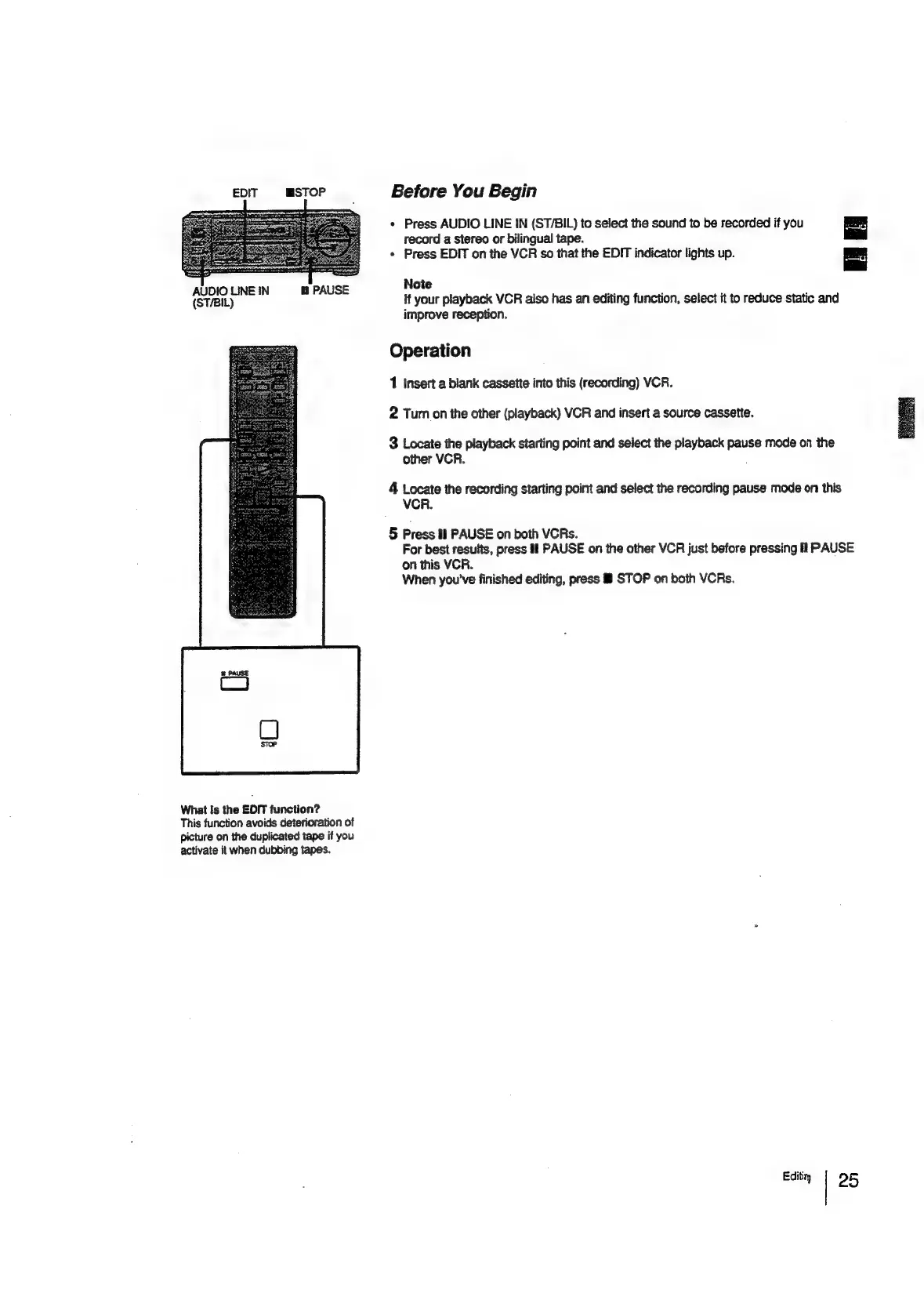
EDIT
STOP
Before
You
Begin
*
Press
AUDIO
LINE
!N
(ST/BIL)
to
select
the
sound
to
be
recorded
if
you
record
a
stereo
or
bilingual
tape.
*
Press
EDIT
on
the
VCR
so
that
the
EDIT
indicator
lights
up.
=
AUDIO
LINEIN
PAUSE
Note
(SHEE)
if
your
playback
VCR
also
has
an
editing
function,
select
it
to
reduce
static
and
improve
reception.
Operation
1
Insert
a
blank
cassette
into
this
(recording)
VCR.
2
Turn
on
the
other
(playback)
VCR
and
insert
a
source
cassette.
3
Locate
the
playback
starting
point
and
select
the
playback
pause
mode
on
the
other
VCR.
4
Locate
the
recording
starting
point
and
select
the
recording
pause
mode
on
this
VCR.
5
Press
tl
PAUSE
on
both
VCRs.
For
best
results,
press
if
PAUSE
on
the
other
VCR
just
before
pressing
il
PAUSE
on
this
VCR.
When
you've
finished
editing,
press
&
STOP
on
both
VCRs.
What
Is
the
EDIT
function?
This
function
avoids
deterioration
of
picture
on
the
duplicated
tape
if
you
activate
it
when
dubbing
tapes.
Editi
95

Related product manuals