GB
54 Specifications
The VISCA RS-422 connector pin
assignments
Using the VISCA RS-422 connector
plug
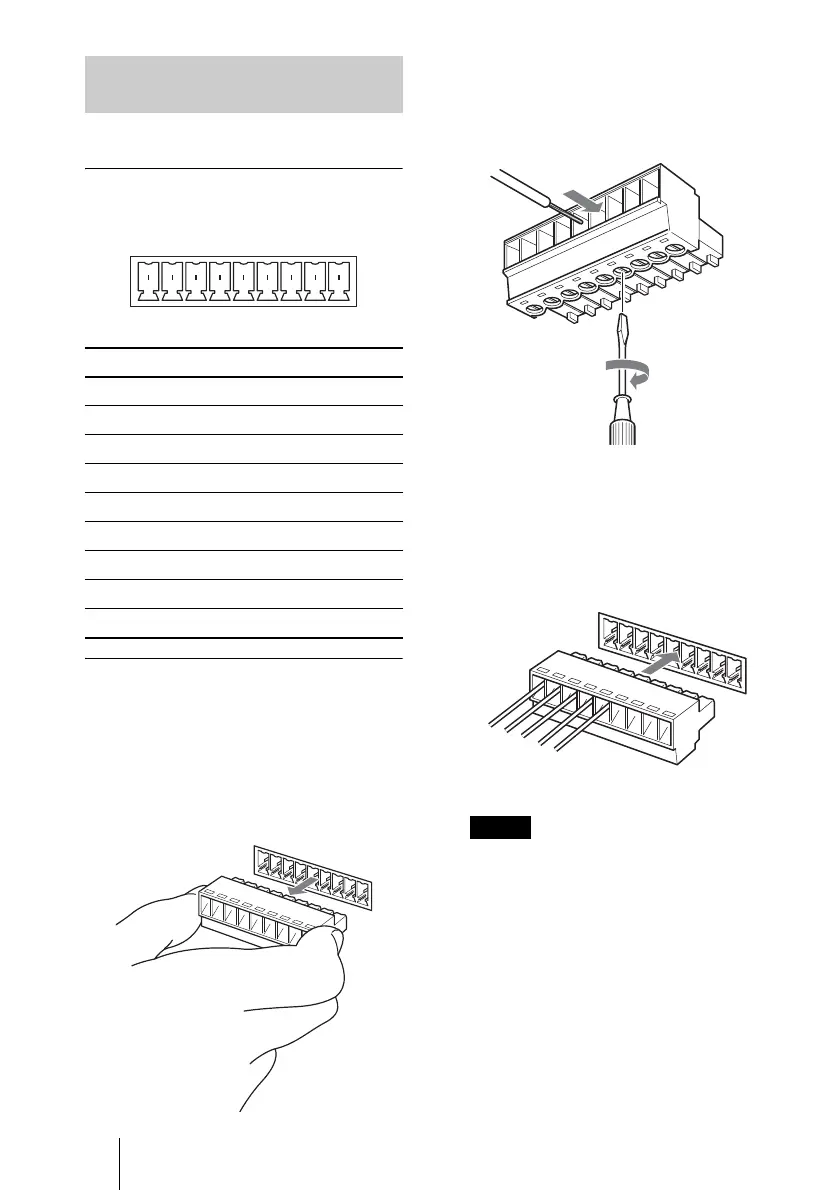
1 Grasp both ends of the VISCA RS-
422 connector plug and pull it away
from the rear panel of the camera, as
shown in the illustration.
2 Insert a wire (AW G Nos. 28 to 18)
into the desired wire opening on the
plug, and tighten the screw for that
wire using a flat-head screwdriver.
3 Insert the VISCA RS-422 connector
plug into the VISCA RS-422
connector on the rear of the camera.
• In order to stabilize the voltage level
of the signal, connect both ends to
GND.
• Do not make a VISCA RS-232C
connection when there is already an
existing VISCA RS-422 connection.
Using the VISCA RS-422
connector pin assignments
Pin No. Function
1TXD IN+
2TXD IN–
3RXD IN+
4RXD IN–
5 GND
6 TXD OUT+
7 TXD OUT–
8 RXD OUT+
9 RXD OUT–
12345
VISCA RS-422
6789
12
3
4
5
6
78
9
Notes
Wire
Flat-head screwdriver
12
3
4
56
78
9



 To Next Page