GB
30
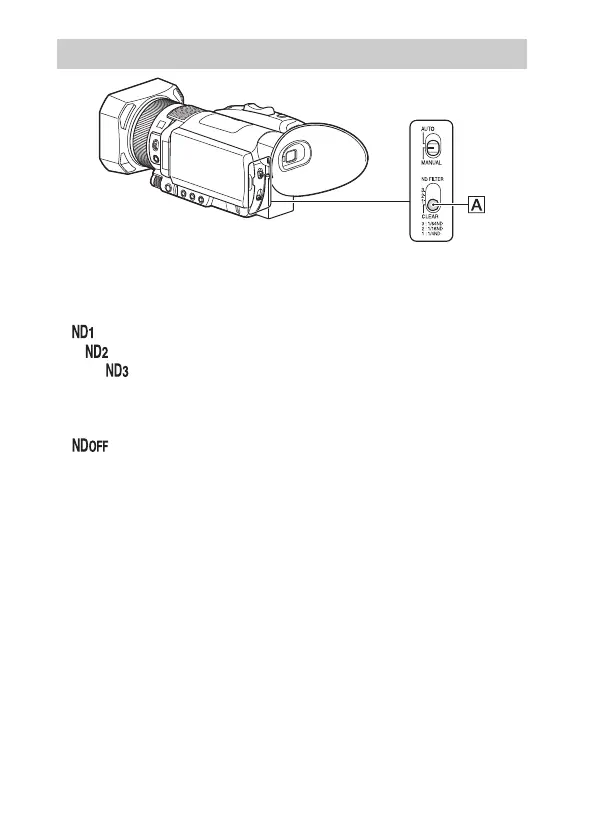
You can record the subject clearly by using the ND FILTER switch
when the recording environment is too bright.
The ND filters 1, 2 and 3 reduce the volume of light to about 1/4, 1/16
and 1/64, respectively.
If flashes during the iris automatic adjustment, set the ND filter to
1. If flashes during the iris automatic adjustment, set the ND filter
to 2. If flashes during the iris automatic adjustment, set the ND
filter to 3.
When an appropriate brightness is achieved, the ND filter indicator
stops flashing and remains lit on the screen.
If flashes, set the ND FILTER switch to “CLEAR.” The ND filter
icon will disappear from the screen.
Adjusting the volume of light (ND filter)



 To Next Page