GB
36
Viewing images on a TV
Playable images may be restricted depending on the combination of
the recording format, the type of playback images being selected,
and the HDMI output settings.
Playing back images
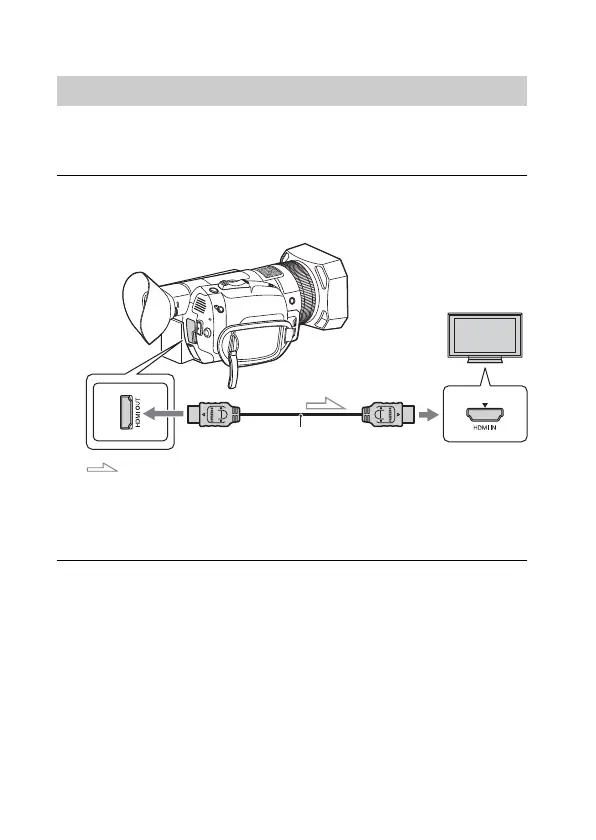
1
Connect the HDMI OUT terminal of the camcorder to
the HDMI IN jack of a TV using the HDMI cable (sold
separately).
Signal flow
2
Set the input of TV to HDMI IN.
3
Play back images on the camcorder.
HDMI cable (sold separately)



 To Next Page