GB
34
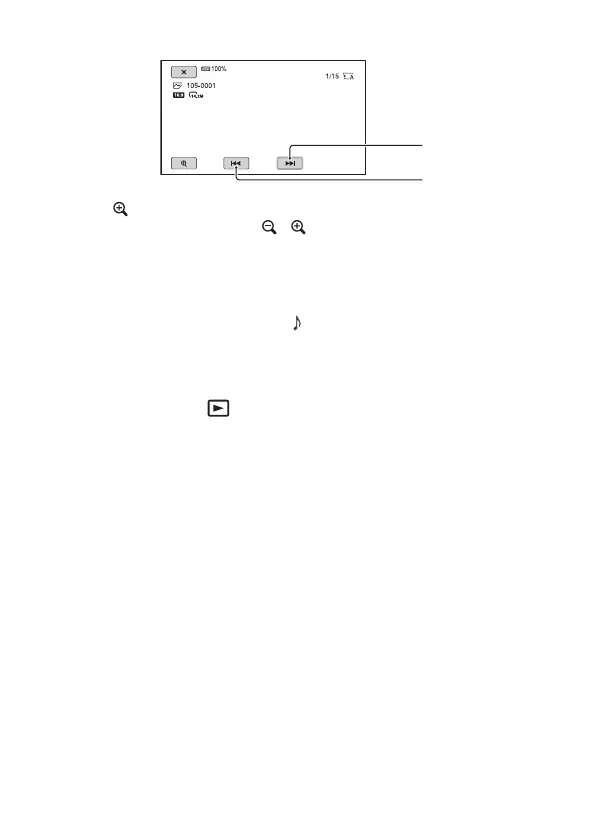
Operations of playing back photos
• Touch (playback zoom) when playing back a photo.
• You can adjust the zoom with / , or with the power zoom lever.
• When you touch the enlarged image, the touched point will be displayed
at the center of the screen.
To adjust the volume
Press the MENU button and select (AUDIO SET) [VOLUME] with
the ////SET button.
To return to the recording mode
Press the THUMBNAIL (playback) button.



 To Next Page