18
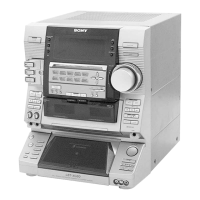
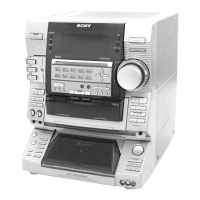
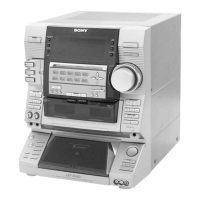
HCD-XGR6/XGR60
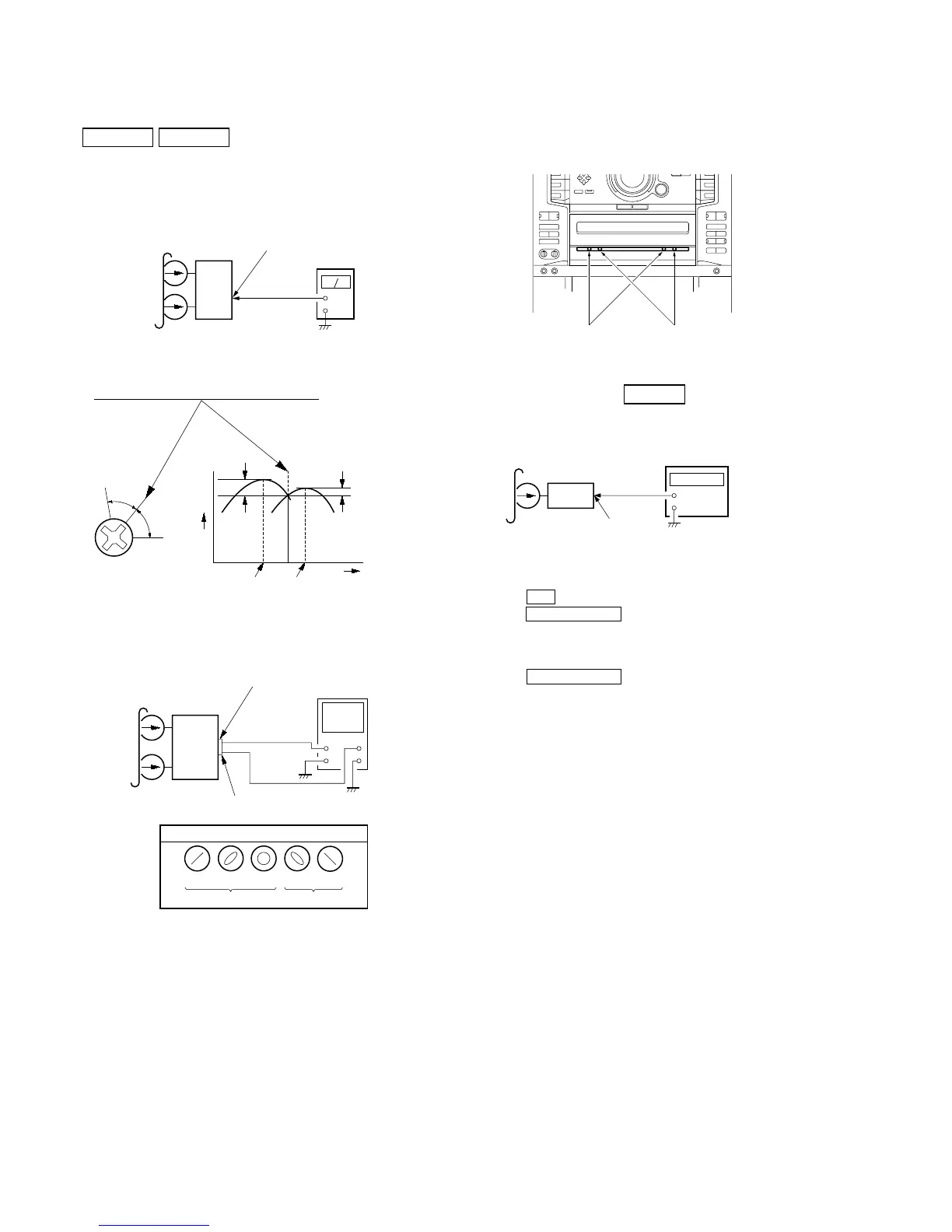
Record/Playback Head Azimuth Adjustment
DECK A DECK B
Note: Perform this adjustments for both decks
Procedure:
1. Mode: Playback (FWD)
set
MAIN board
MD (VIDEO) OUT jack (J701
L-CH, R-CH
+
–
level meter
test tape
P-4-A100
(10 kHz, – 10 dB)
Screw
position
L-CH
peak
within
1dB
Output
level
L-CH
peak
R-CH
peak
within
1dB
Screw
position
R-CH
peak
3. Mode: Playback
set
test tape
P-4-A100
(10 kHz, – 10 dB)
R-CH
oscilloscope
L-CH
R-CH
V
H
waveform of oscilloscope
in phase 45
°
90
°
135
°
180
°
good
wrong
MAIN board
MD (VIDEO) OUT jack (J701)
L-CH
4. Repeat step 1 to 3 in playback (REV) mode.
5. After the adjustments, apply suitable locking compound to the
pats adjusted.
Adjustment Location: Playback Head (Deck A).
Record/Playback/Erase Head (Deck B).
Tape Speed Adjustment DECK B
Mode: Playback
+
–
set
test tape
WS-48B
(3 kHz, 0 dB)
MAIN board
MD (VIDEO) OUT jack (J701)
L-CH, R-CH
frequency counter
1. Insert the WS-48B into the deck B.
2. Press the H button on the deck B.
3. Press the H SPEED DUB button in playback mode.
Then at HIGH speed mode.
4. Adjust RV392 on the LEAF SW board do that frequency
counter reads 6,000 ± 180 Hz.
5. Press the H SPEED DUB button.
Then back to NORMAL speed mode.
6. Adjust RV391 on the LEAF SW board so that frequency
counter reads 3,000 ± 90 Hz.
Adjustment Location: MAIN board
Sample value of Wow and Flutter: 0.3% or less W.RMS (JIS)
(WS-48B)
forward
reverse
2. Turn the adjustment screw and check output peaks. If the peaks
do not match for L-CH and R-CH, turn the adjustment screw
so that outputs match within 1dB of peak.



 To Next Page