17
GB
Getting Started
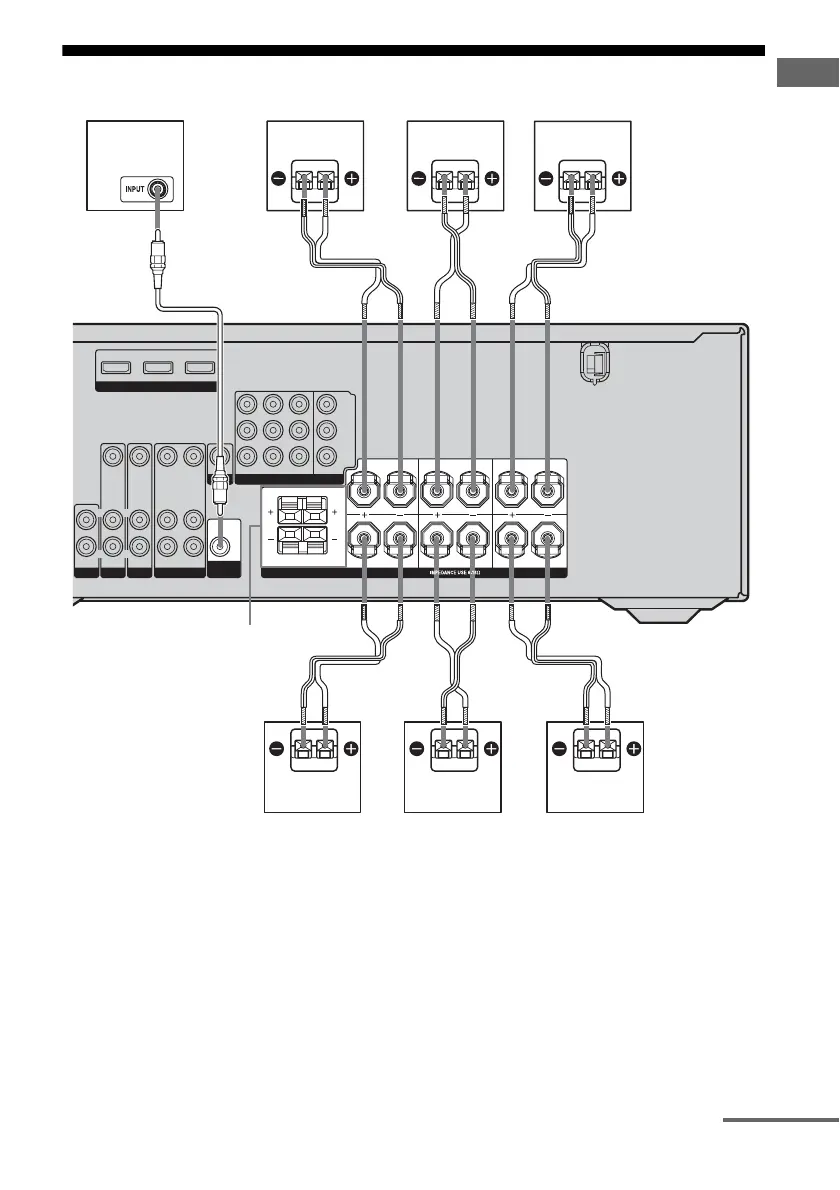
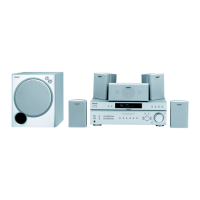
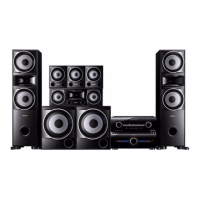
2: Connecting speakers
AFront speaker A (Left)
BFront speaker A (Right)
CCenter speaker
DSurround speaker (Left)
ESurround speaker (Right)
FSurround back speaker
GSub woofer
a)
If you have an additional front speaker system,
connect them to the SPEAKERS FRONT B
terminal. You can select the front speakers you
want to use with the SPEAKERS (OFF/A/B/A+B)
button. For details, see “6: Selecting the speaker
system” (page 30).
b)
Use the long speaker cords to connect the surround
and surround back speakers and the short speaker
cords to connect the front and center speakers.
TV
IN
HDMI
DVD IN VIDEO 2/BD IN OUT
SAT
AUDIO IN
VIDEO IN
DVD
AUDIO IN
VIDEO IN
VIDEO 1
AUDIO OUT
VIDEO OUT
VIDEO OUT
SAT IN
AUDIO IN
VIDEO IN
L
R
L
R
L
R
MONITOR
COMPONENT VIDEO
DVD IN VIDEO 1 IN
Y
P
B
/C
B
P
R
/C
R
MONITOR OUT
SUB
WOOFER
FRONT B
FRONT A
L
L
R
R
L
R
SURROUND CENTER
SURROUND BACK
SPEAKERS
AUDIO OUT
GADF
AB
SPEAKERS FRONT B
a)
B
CEB
A Monaural audio cord (supplied)
B Speaker cords (supplied)
b)
continued



 To Next Page