17
GB
Playing Music/Photo Files
on a Home Network
You can play music/photo files on other
home network-compatible devices by
connecting them to your home network.
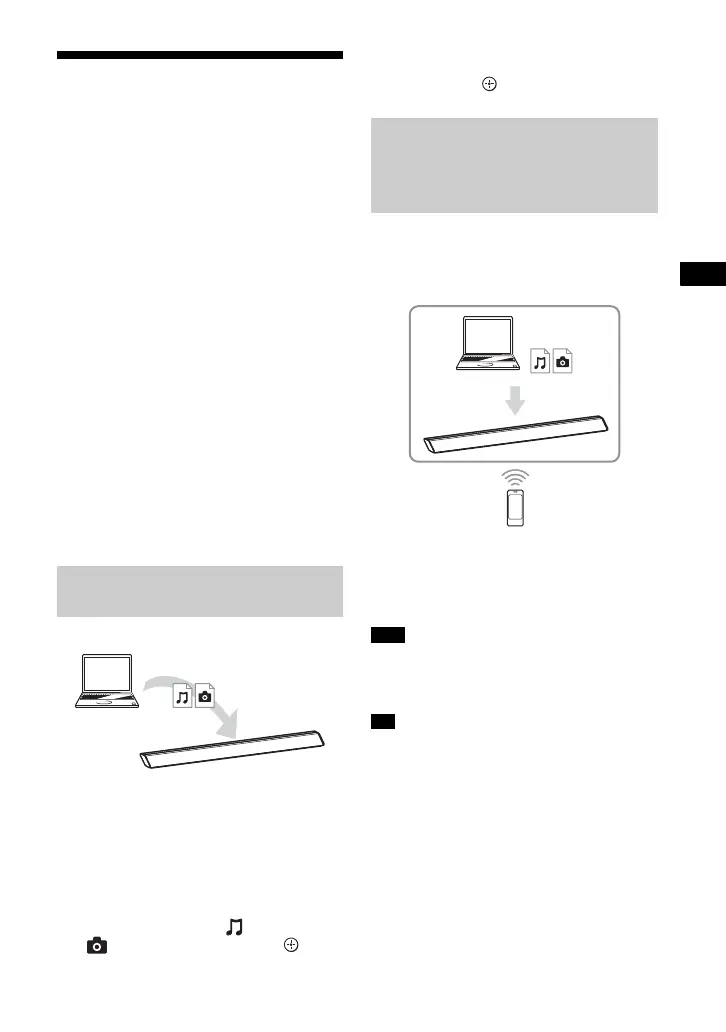
This system can be used as a player and
renderer.
• Server: Stores and shares digital media
content
• Player: Finds and plays digital media
content from the server
• Renderer: Receives and plays digital
media content from the server and can
be operated by another device
(controller)
• Controller: Operates the renderer
device
Prepare to use the Home Network
function.
• Connect the system to a network.
• Prepare another home network-
compatible device. For details, refer to
the operating instructions of the device.
1 Press HOME.
The home menu appears on the TV
screen.
2 Select [Home Network].
3 Select the desired device.
4 Press / to select [Music] or
[Photo] and then press .
5 Select the desired content using /
// and .
You can operate the system with a home
network controller-compatible device (a
mobile phone app, etc), when playing
files stored on a server.
For details on operation, refer to the
operating instructions of the home
network controller-compatible device.
• Do not operate the system with the
supplied remote control and a controller at
the same time.
• The system is compatible with the “Play To”
function of Windows Media
®
Player 12,
which comes standard with Windows 7.
Playing Files Stored on a
Server via the System (Player)
Player
(This system)
Server
Playing Remote Files by
Operating the System
(Renderer) via a Home
Network Controller
Note
Tip
Controller
Renderer
(This system)
Server



 To Next Page