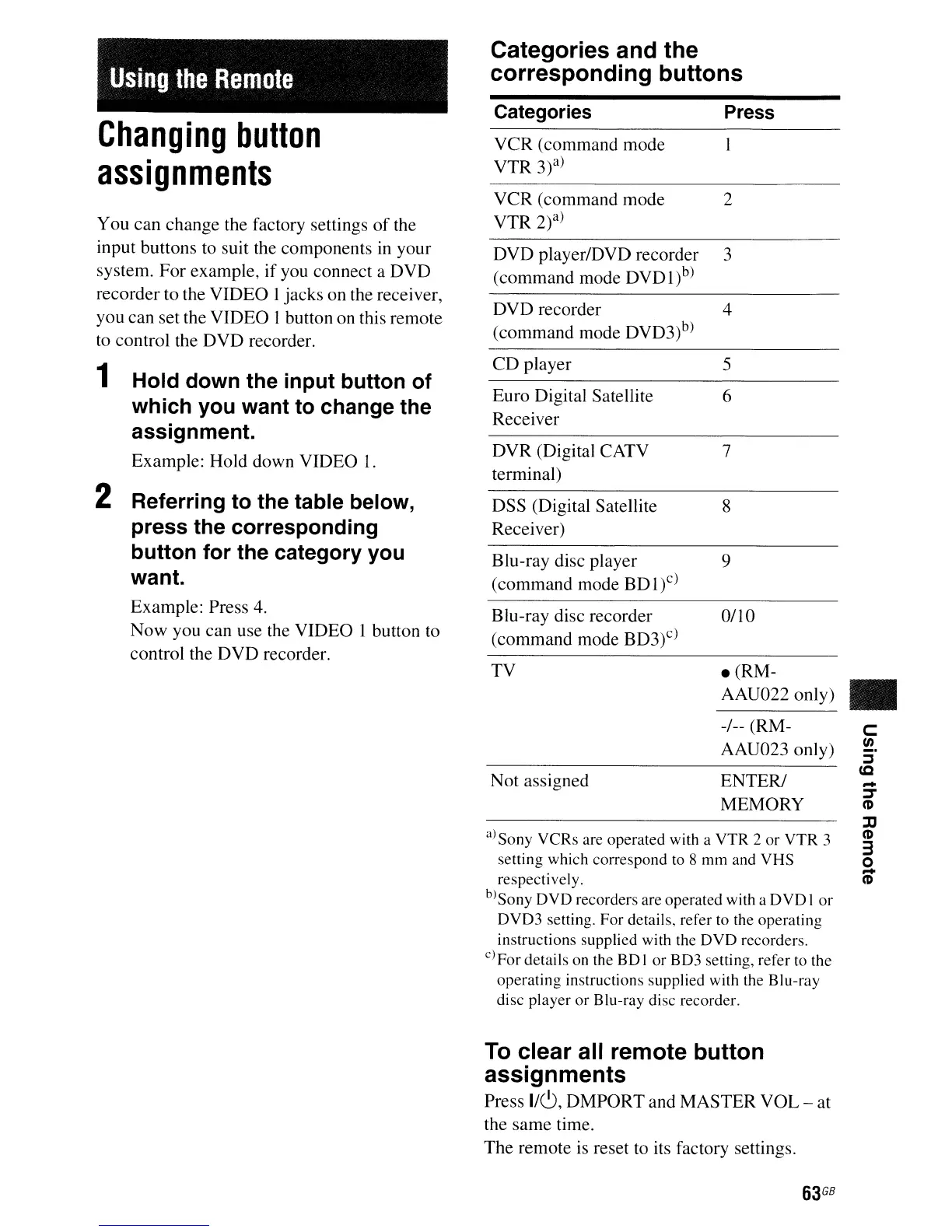
Using
the
Remote
Categories and the
corresponding buttons
DVD recorder 4
(command mode DVD3)b)
DVD player/DVD recorder 3
(command mode DVDl)b)
VCR (command mode 2
VTR 2)a)
Changing
button
assignments
You
can
change the factory settings
of
the
input buttons to suit the components
in
your
system.
For
example,
if
you connect a
DVD
recorder to the VIDEO I jacks on the receiver,
you can set the VIDEO
1button on this remote
to control the
DVD
recorder.
Categories
VCR (command mode
VTR
3?)
Press
CD
player 5
Euro Digital Satellite 6
Receiver
DVR (Digital CATV 7
terminal)
a)Sony VCRs are operated with a
VTR
2
or
VTR
3
setting which correspond to 8
mm
and
VHS
respectively.
blS
ony
DVD
recorders are operated with a
DVD
I
or
DVD3 setting. For details, refer to the operating
instructions supplied with the
DVD
recorders.
c)For details on the
BD
I
or
BD3 setting, refer to the
operating instructions supplied with the Blu-ray
disc player
or
Blu-ray disc recorder.
-
~
C'D
:IJ
C'D
3
o
CD
C
en
:::s
CQ
•
8
9
0/10
e(RM-
AAU022 only)
-/-- (RM-
AAU023 only)
ENTER/
MEMORY
DSS (Digital Satellite
Receiver)
Blu-ray disc player
(command mode BDI)c)
Blu-ray disc recorder
(command mode BD3)c)
Not assigned
TV
1 Hold down the input button of
which you want to change the
assignment.
Example: Hold down VIDEO
1.
2 Referring to the table below,
press the corresponding
button for the category you
want.
Example: Press 4.
Now you can use the VIDEO I button to
control the
DVD
recorder.
To
clear all remote button
assignments
Press
I/C),
DMPORT and MASTER VOL - at
the same time.
The remote
is
reset
to
its factory settings.
63
GB



 To Next Page