43
Utilizing Media
Utilizing Media
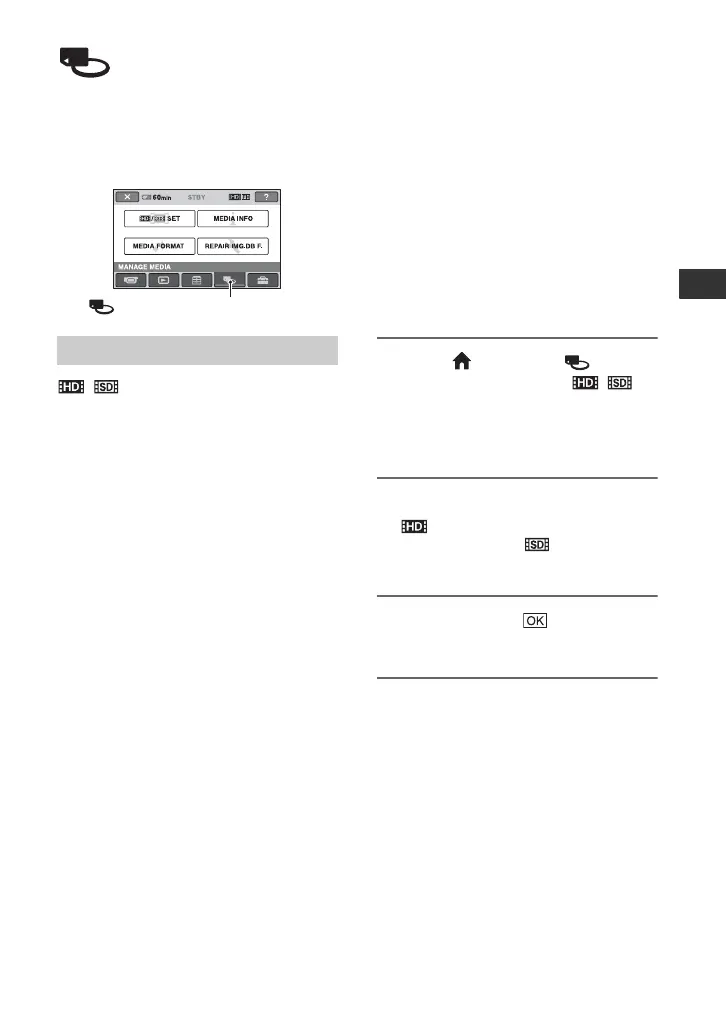
(MANAGE MEDIA)
category
This category enables you to use the
“Memory Stick PRO Duo” media for
various purposes.
/ SET
You can select the image quality for movies
(p. 43).
MEDIA INFO
You can display the “Memory Stick PRO
Duo” media information such as the
recordable time, etc. (p. 44).
MEDIA FORMAT
You can format the “Memory Stick PRO
Duo” media and recover the recordable free
space (p. 44).
REPAIR IMG.DB F.
You can repair the management
information on the “Memory Stick PRO
Duo” media (p. 45).
Setting the image
quality
You can select the image quality for
recording/playback/editing on your
camcorder.
In the default setting, the image quality is
set to HD (high definition).
z Tips
• You can perform recording/playback/editing
operations for the selected image quality. When
you want to change the image quality, select the
image quality again.
1 Touch (HOME) t
(MANAGE MEDIA) t [/
SET].
The image quality setting screen
appears.
2 Touch the desired image quality.
indicates HD (high definition)
image quality, and indicates SD
(standard definition) image quality.
3 Touch [YES] t .
The image quality is changed.
Item list
(MANAGE MEDIA) category



 To Next Page
 Loading...










