67
Enjoying with a computer
For customers with writable Blu-ray
Disc Drive
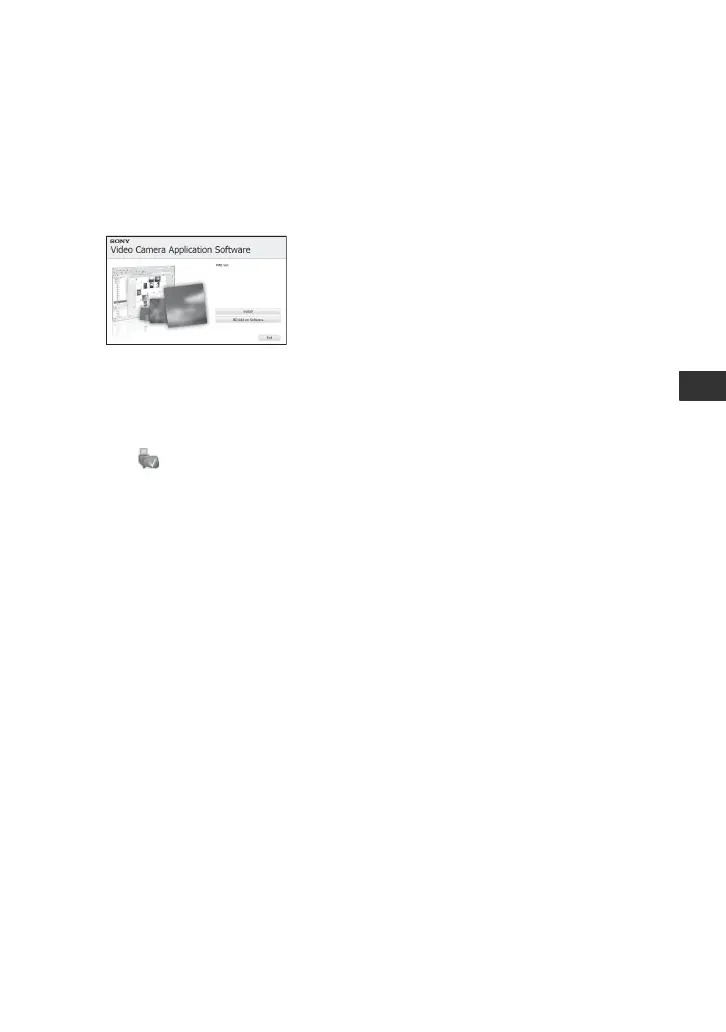
You can create a Blu-ray disc. Click [BD
Add-on Software] on the installation screen
and follow the on-screen instructions to
install the update.
b Notes
• You need to install “PMB” beforehand using the
supplied CD-ROM.
To disconnect the USB cable
1 Click the icon t [Safely remove
USB Mass Storage Device] on the task tray
on the bottom right of the desktop of your
computer.
2 Touch [END] t [YES] on the screen of
your camcorder.
3 Disconnect the USB cable.
To operate “PMB”
To start “PMB,” click [Start] t [All
Programs] t [Sony Picture Utility] t
[PMB].
To see “PMB Guide”
To find out how to use “PMB,” see “PMB
Guide.”
To display “PMB Guide,” click [Start] t
[All Programs] t [Sony Picture Utility]
t [Help] t [PMB Guide].



 To Next Page
 Loading...










