14
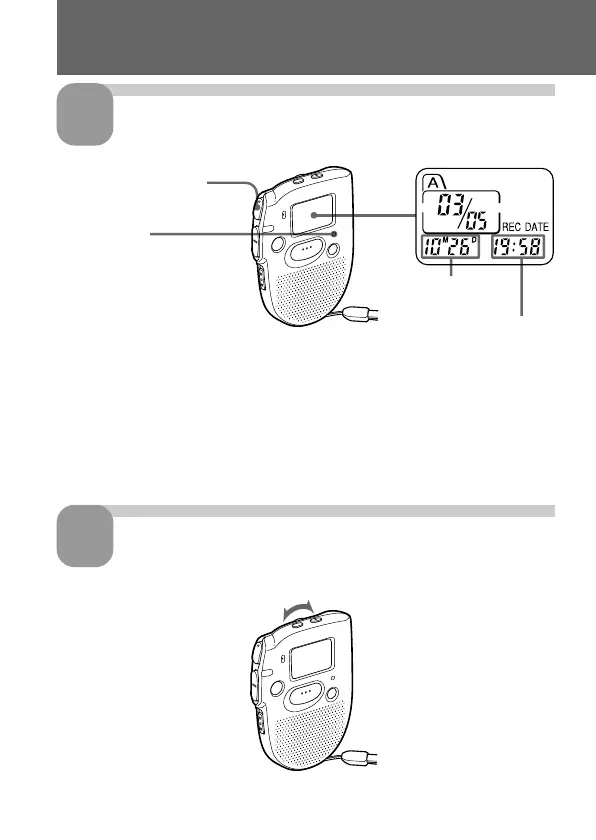
Start playback.
During playback, the OPR indicator lights up in green.
After playing back one message, the unit stops at the beginning of the next
message.
When the last message on a file has been played back, the unit stops at the
beginning of the last message.
Adjust the volume.
Playing Back Messages (continued)
3
4
OPR indicator
Time of recording
Date of recording
Turn VOL.
Press NxPLAY/STOP.



 To Next Page