26
BMenu Settings
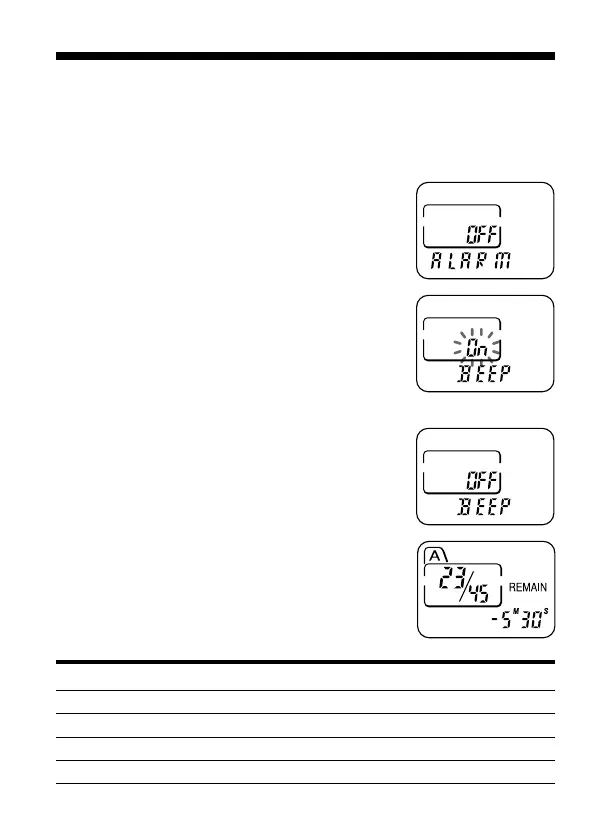
Turning off the Beep Sound
BEEP On: A beep will sound to indicate that operation has been
accepted.
BEEP OFF: No beep sound will be heard except for the alarm and timer.
1 Press MENU to enter the menu mode.
2 Press –. or >+ to display “BEEP
On (or OFF)” and press NxPLAY/STOP.
“On (or OFF)” will flash.
3 Press –. or >+ to select “On” or
“OFF” and press NxPLAY/STOP.
The setting is completed.
4 Press MENU to exit the menu mode.
Beep patterns Meaning
- (single tone) Usual mode
-- (double tone) Enter/exit special mode
--- (triple tone) Notice*
---- ---- (continuous beep) Alarm set time has come.



 To Next Page