28
Playing Back All Messages in a File
Continuously
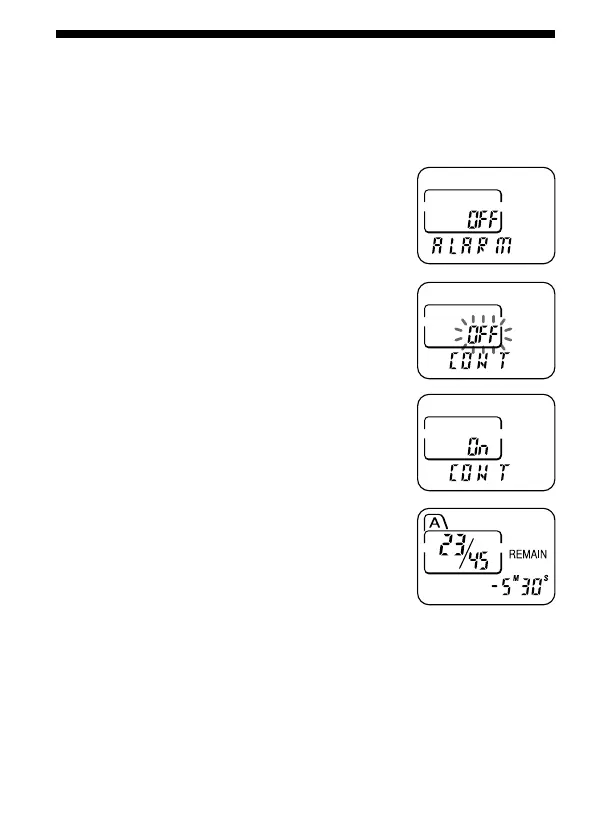
CONT On: You can play back all messages in a file continuously.
CONT OFF: Playback stops at the end of each message.
1 Press MENU to enter the menu mode.
2 Press –. or >+ to display “CONT”
and press NxPLAY/STOP.
“OFF (or On)” will flash.
3 Press –. or >+ to select “On” or
“OFF” and press NxPLAY/STOP.
Now the setting is completed.
4 Press MENU to exit the menu mode.



 To Next Page