27
Menu Settings
* This pattern lets you know the procedure is wrong or informs you of some
messages, such as:
- you are trying to record a message when you have already recorded up to the
maximum recordable time or the maximum number of messages.
- the unit has stopped functioning due to lack of battery power.
Selecting the Microphone Sensitivity
SENS H (high):To record at meetings or in a quiet and/or spacious place.
SENS L (low): To record for dictation or in a noisy place.
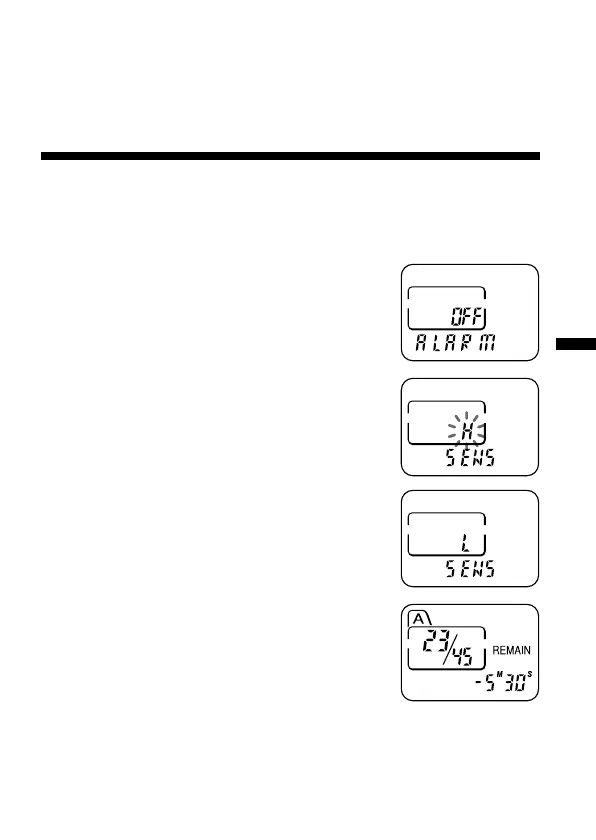
1 Press MENU to enter the menu mode.
2 Press –. or >+ to display “SENS”
and press NxPLAY/STOP.
“H (or L)” will flash.
3 Press –. or >+ to select “H” or “L”
and press NxPLAY/STOP.
Now the setting is completed.
4 Press MENU to exit the menu mode.



 To Next Page