Help Guide | If a full reset (restart) of the TV is required
08-01_03.html[3/31/2021 7:20:38 AM]
1
2
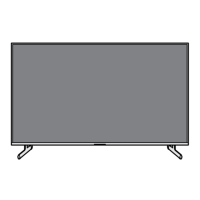
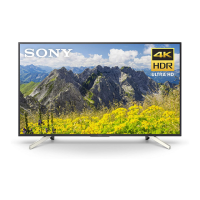
TV models with 1 button on the TV (power button only) can also be
restarted using the power button. Press the power button on the TV
to display the operation menu, select [Restart] in the menu, and
then press and hold the power button to restart the TV.
Your personal settings and data will not be lost after the TV
restarts.
Factory data reset
If the problem persists after a power reset, try a factory data reset.
Note
Performing a factory reset will delete all of the TV’s data and settings
(such as Wi-Fi and wired network setting information, Google Account
and other login information, Google Play and other installed apps).
Press the
(Quick Settings) button on the remote control,
then select [Settings] — [System] — [Reset] — [Factory data
reset].
Delete everything.
If you have set a PIN code on your TV, you will be prompted to
input it.
After the factory reset process completes successfully, the TV will
start the Initial Setup wizard. You must agree to the Google
Terms of Service and Google Privacy Policy.
>
Troubleshooting
>
Start here
>
If a full reset (restart) of the TV is required
Go to page top
F-232-100-12(2)
Copyright 2021 Sony Corporation


 To Next Page