Help Guide
print.html[3/31/2021 7:15:59 AM]
If a specific audio system is connected with an HDMI cable, you can adjust the output timing of
the picture and sound.
Adjusting the AV sync setting
For details about supported models, refer to the support site.
Support Site
Related topics
BRAVIA Sync-compatible devices
Connecting an audio system
No sound but good picture.
No audio or low audio with a home theater system.
[54] Audio system (such as an AV receiver or sound bar) | Audio system (such as an AV receiver or
sound bar)
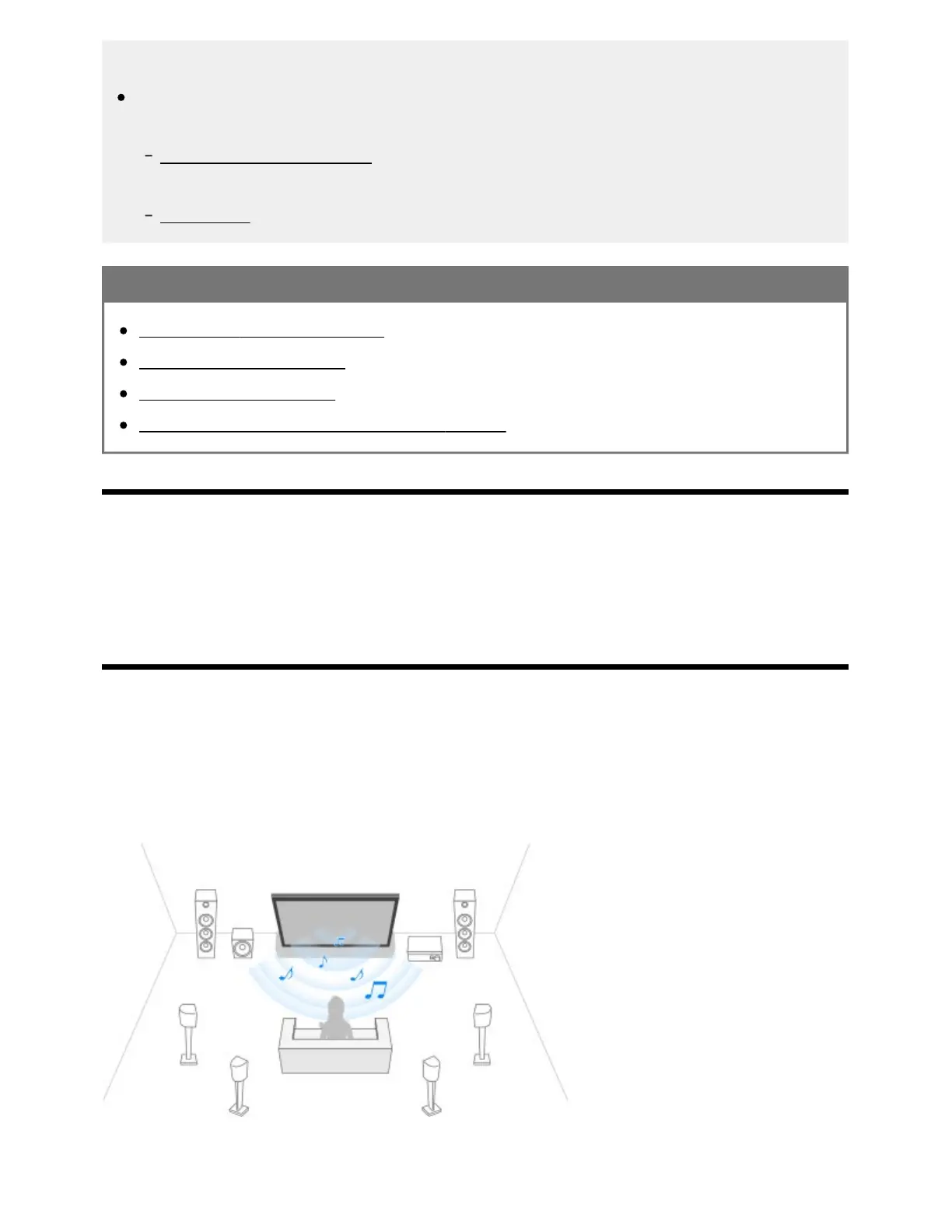
Using the TV as a center speaker (only models with
TV center speaker mode)
Models with TV center speaker mode have CENTER SPEAKER IN terminals on the back of the TV.
If [Speakers] is set to [Audio system], you can use the TV speakers as a center speaker for a home
theater simply by connecting an AV receiver to the CENTER SPEAKER IN terminal of the TV .
*The TV and AV receiver must be connected by either an HDMI cable or digital optical cable.
*



 To Next Page