36
Additional Operations
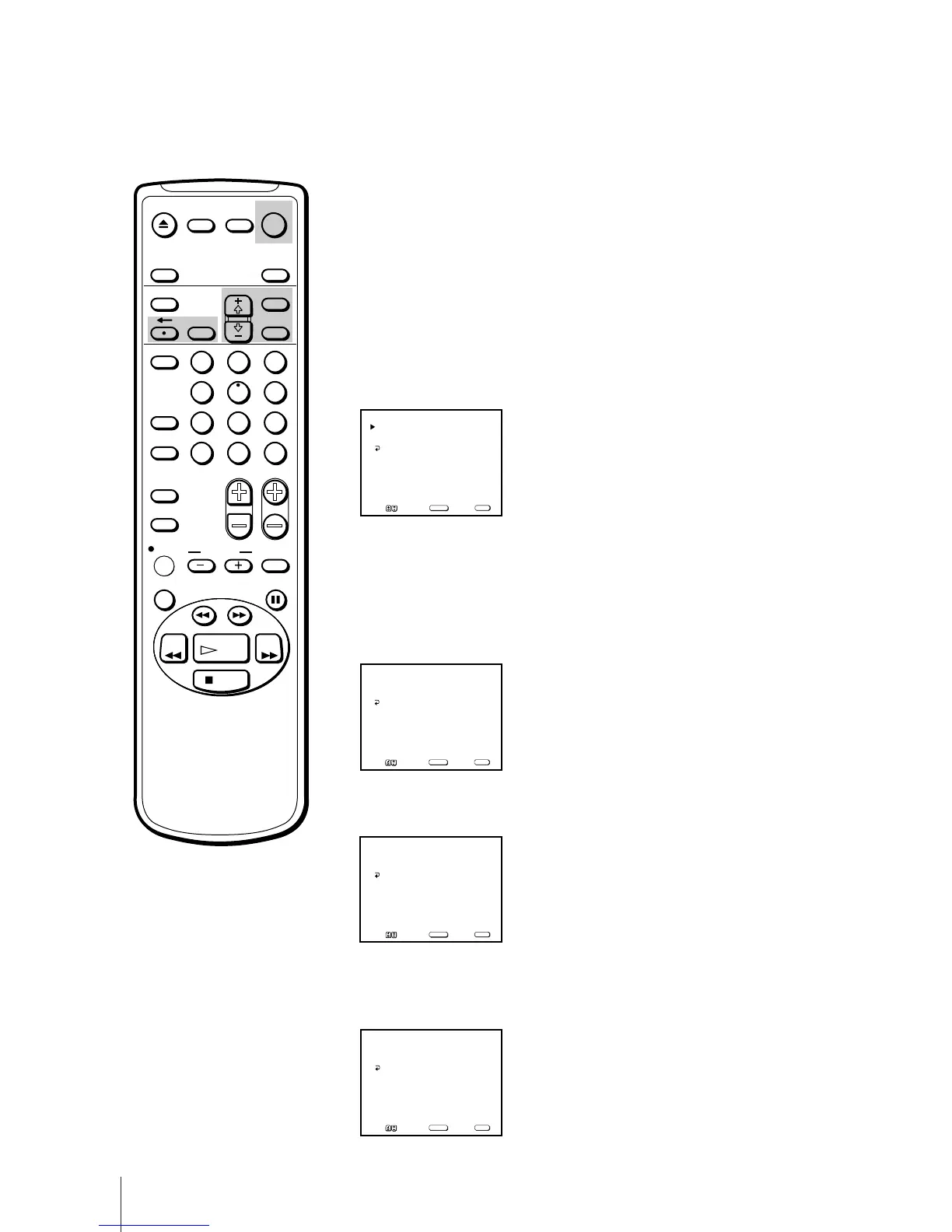
You can set the Video/TV to turn on and off at any time. Make sure the
clock is set correctly. If it is not, set the clock first (page 12).
1 Press MENU to display the main menu.
2 Move the cursor (z) to “TIMER” with + ◊ or – √ and press SELECT.
The TIMER menu appears.
3 Move the cursor (z) to “ON/OFF TIMER” with + ◊ or – √ and press
SELECT.
The ON/OFF TIMER menu appears.
4 Press SELECT to enter the ON/OFF TIMER setting.
5 Press + ◊ or – √ to set the day(s), and press SELECT.
Each time you press + ◊ or – √, the days change as shown below.
EVERY SUN-SAT n EVERY MON-FRI n SUNDAY ...n... SATURDAY
n EVERY SUNDAY ...n... EVERY SATURDAY.
6 Press + ◊ or – √ to set the time (hour then minute) that you want the
Video/TV to turn on and press SELECT.
7 Press + ◊ or – √ to set the duration time and press SELECT.
With each press, the duration increases by one hour for up to twelve
hours.
Additional Operations
Automatically Switching the
Video/TV On or Off –
ON/OFF TIMER
If you have made a mistake
Press ? to return to the previous
position.
To erase the settings
Press RESET while the ON/OFF
timer menu is displayed.
Note
If the OFF timer is activated during
quick timer recording, the TV screen
turns off, but the quick timer
recording continues.
EVERY MON–FRI
12:00 AM _H CH___
ON/OFF TIMER
Set the day
SUN 12:00 AM
MENU
Move Select Exit
SELECT
MENU
EVERY MON–FRI
12:02 AM _H CH___
ON/OFF TIMER
Set the time
SUN 12:00 AM
MENU
Move Select Exit
SELECT
MENU
EVERY MON–FRI
12:02 AM 1H CH___
ON/OFF TIMER
Set the duration
SUN 12:00 AM
MENU
Move Select Exit
SELECT
MENU
EJECT
INPUT
SELECT
COUNTER/
REMAIN
COUNTER
RESET
SLEEP
MENU
CHVOL
SELECT
INDEX
JUMP ENTER
TAPE SPEED
X2 PAUSE
SEARCH
REC
SLOW
VCR Plus
MUTING DISPLAY
1
2
3
4
5
6
7
8
9
0
&7
STOP
REW FF
PLAY
TIMER ON SCREEN
RESET
POWER
TV
______
––:–– AM _H CH___
ON/OFF TIMER
SUN 12:00 AM
MENU
Move Select Exit
SELECT
MENU



 To Next Page
 Loading...