37
Additional Operations
8 Press + ◊ or – √ to set the channel and press SELECT.
9 Press MENU to return to the original screen.
If you are not using the Video/TV, press POWER to set the Video/TV in
standby mode.
One minute before the Video/TV turns off, the message “TV will turn off
soon” appears on the screen.
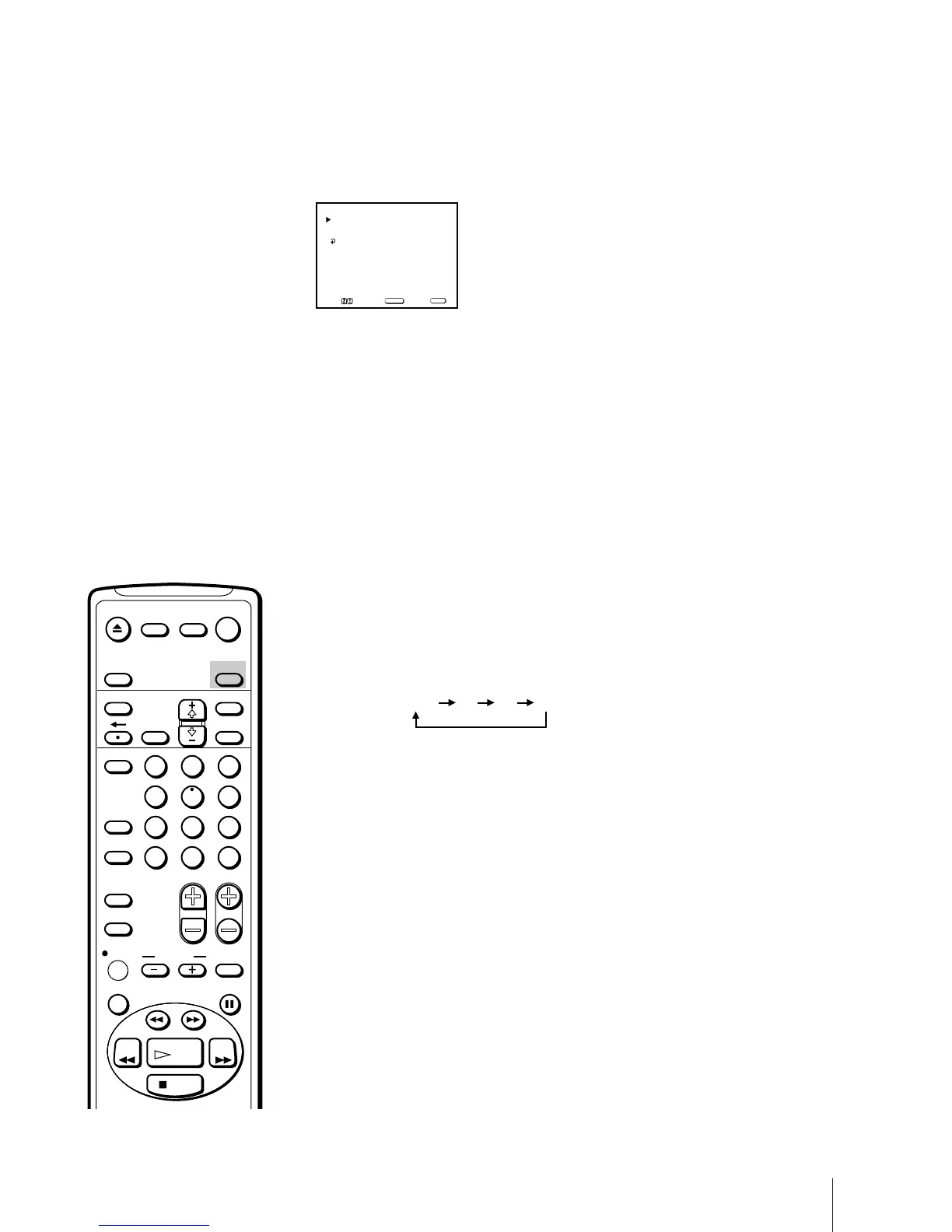
Switching Off Automatically – Sleep Timer
You can automatically switch the Video/TV into standby mode after a
selected time period.
Press SLEEP.
With each press, the time period (in minutes) changes as follows:
One minute before the TV switches into standby mode, the message “TV
will turn off soon” is displayed on the screen.
OFF 30 60 90
EVERY MON–FRI
12:02 AM 1H CH 1
ON/OFF TIMER
Select a channel
SUN 12:00 AM
MENU
Move Select Exit
SELECT
MENU
EJECT
INPUT
SELECT
COUNTER/
REMAIN
COUNTER
RESET
SLEEP
MENU
CHVOL
SELECTRESET
INDEX
JUMP ENTER
TAPE SPEED
X2 PAUSE
SEARCH
REC
SLOW
VCR Plus
MUTING DISPLAY
1
2
3
4
5
6
7
8
9
0
&7
STOP
REW FF
PLAY
TIMER ON SCREEN
POWER
TV



 To Next Page