Help Guide
Wireless Stereo Headset
LinkBuds Open
Functions for a phone call
The functions available during a call may vary depending on the profile supported by your smartphone or mobile phone.
In addition, even if the profile is the same, the available functions may vary depending on the smartphone or mobile
phone.
Depending on the connected device or the application you are using, the functions may not work properly even if you try
to operate them with the headset.
Refer to the operating instructions supplied with the smartphone or mobile phone.
Supported profile: HFP (Hands-free Profile)
You can use either the left or right headset unit to perform the following operations.
When only one headset unit is worn in your ear, operate the headset unit that is worn.
Outgoing call
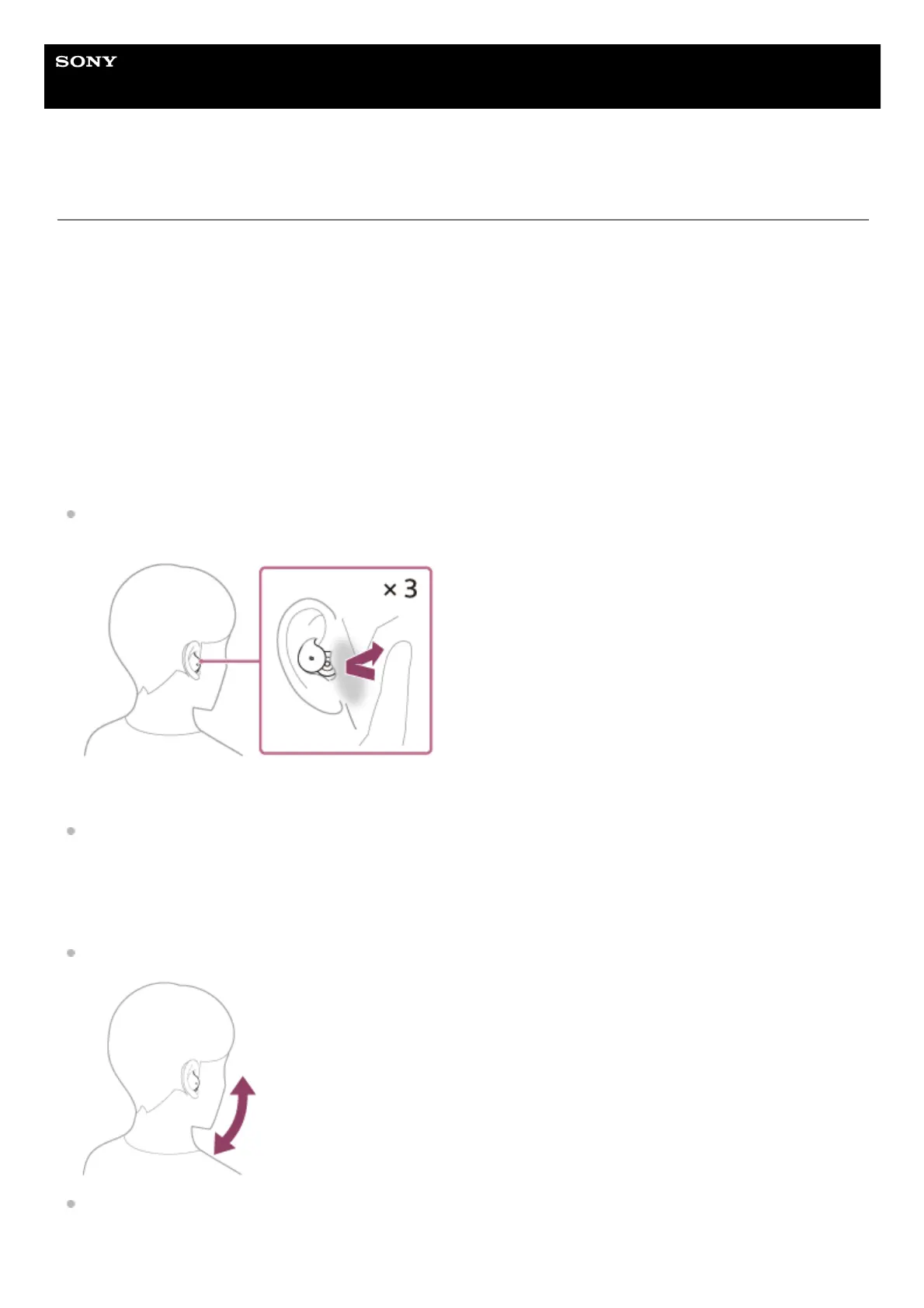
Tap the headset or the area near your ear 3 times quickly (with an interval of about 0.2 seconds between taps) to
cancel an outgoing call.
Incoming call
Tap the headset or the area near your ear 3 times quickly (with an interval of about 0.2 seconds between taps) to
answer a call.
When the head gesture setting is enabled on the “Sony | Sound Connect” app, you can perform the following operations
while wearing the headset.
Receive a call: Nod your head.
Reject a call: Shake your head.



 To Next Page