Help Guide
Wireless Stereo Headset
LinkBuds Open
Using the voice assist function (Google app)
By using the Google app that comes with the Android smartphone, you can speak to the headset’s microphone to
operate the Android smartphone.
Set the assist and voice input selection to the Google app.
On the Android smartphone, select [Settings] - [Apps & notifications] - [Advanced] - [Default apps] - [Assist & voice
input], and set [Assist app] to the Google app.
The operation above is an example. For details, refer to the operating instructions for the Android smartphone.
Note: The latest version of the Google app may be required.
For details on the Google app, refer to the operating instructions or the support website of the Android smartphone,
or the Google Play store website.
The Google app may not be activated from the headset depending on specifications of the Android smartphone.
1
Put the headset units into your ears and connect the headset to the Android smartphone via a Bluetooth
connection.
2
Open the “Sony | Sound Connect” app and set the function of either the left or right headset unit as [Voice
Assist Function].
3
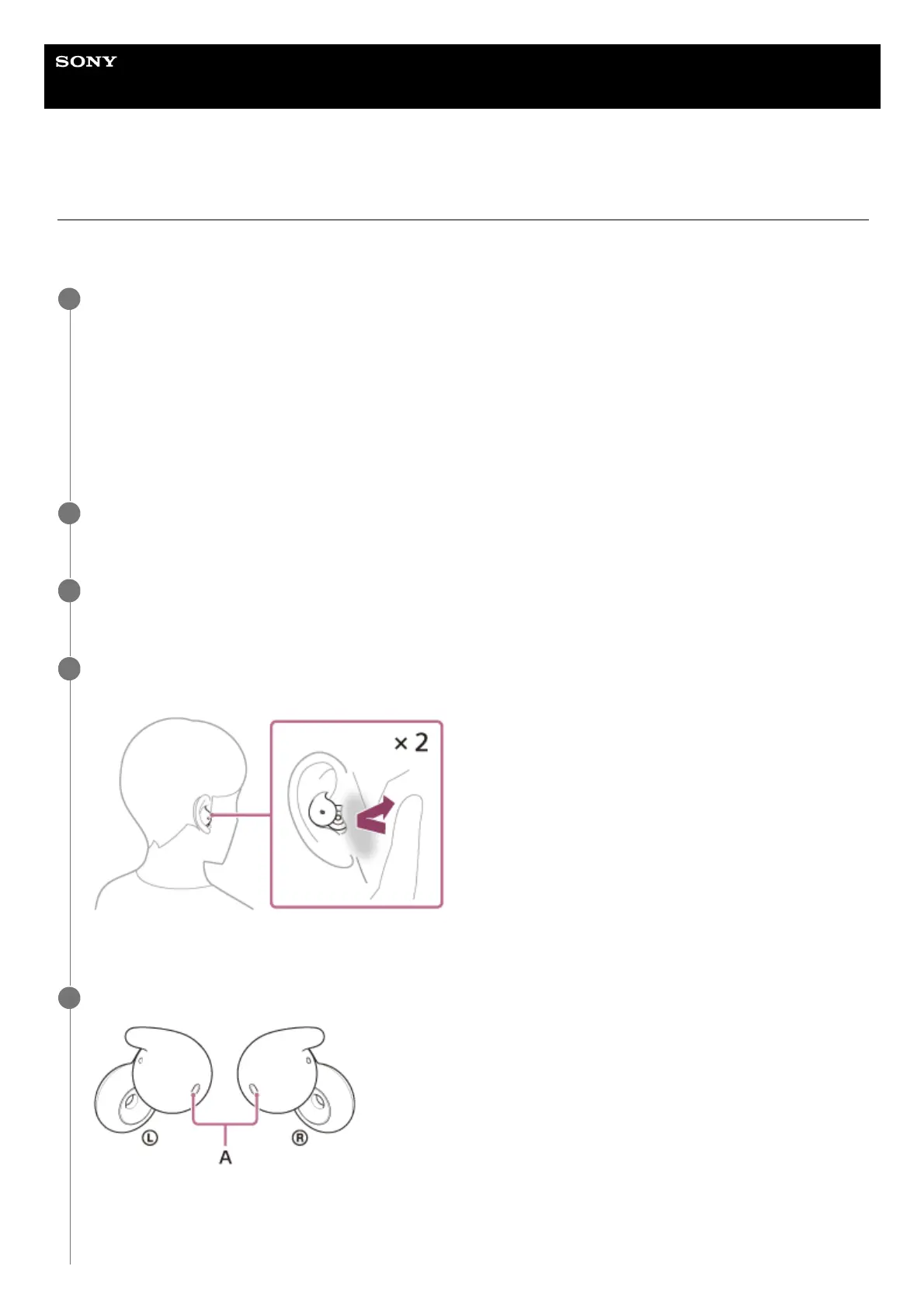
When the Android smartphone is in standby or playing music, tap the headset to which you assigned the
voice assist function or in the area near your ear twice quickly (with an interval of about 0.2 seconds).
The Google app is activated.
4
Talk to Google through the app using the headset’s microphone (A).
For details on the apps which work with the Google app, refer to the operating instructions for the Android
smartphone.
5



 To Next Page