The indicator (blue) on the charging case repeatedly flashes twice in a row and the headset goes into pairing mode.
You can remove the headset from the charging case after entering pairing mode.
When you are wearing the headset, you will hear a notification sound from both headset units at the same time, and
you will hear a voice guidance say “Pairing”. When you are wearing only one headset unit, you will hear the
notification sound and voice guidance from the headset unit you are wearing.
Wake the computer up if the computer is in standby (sleep) or hibernation mode.
To use the Swift Pair function, proceed to step 5.
To connect without using the Swift Pair function, proceed to step 6.
4
(If you selected “To use the Swift Pair function” in step 4)
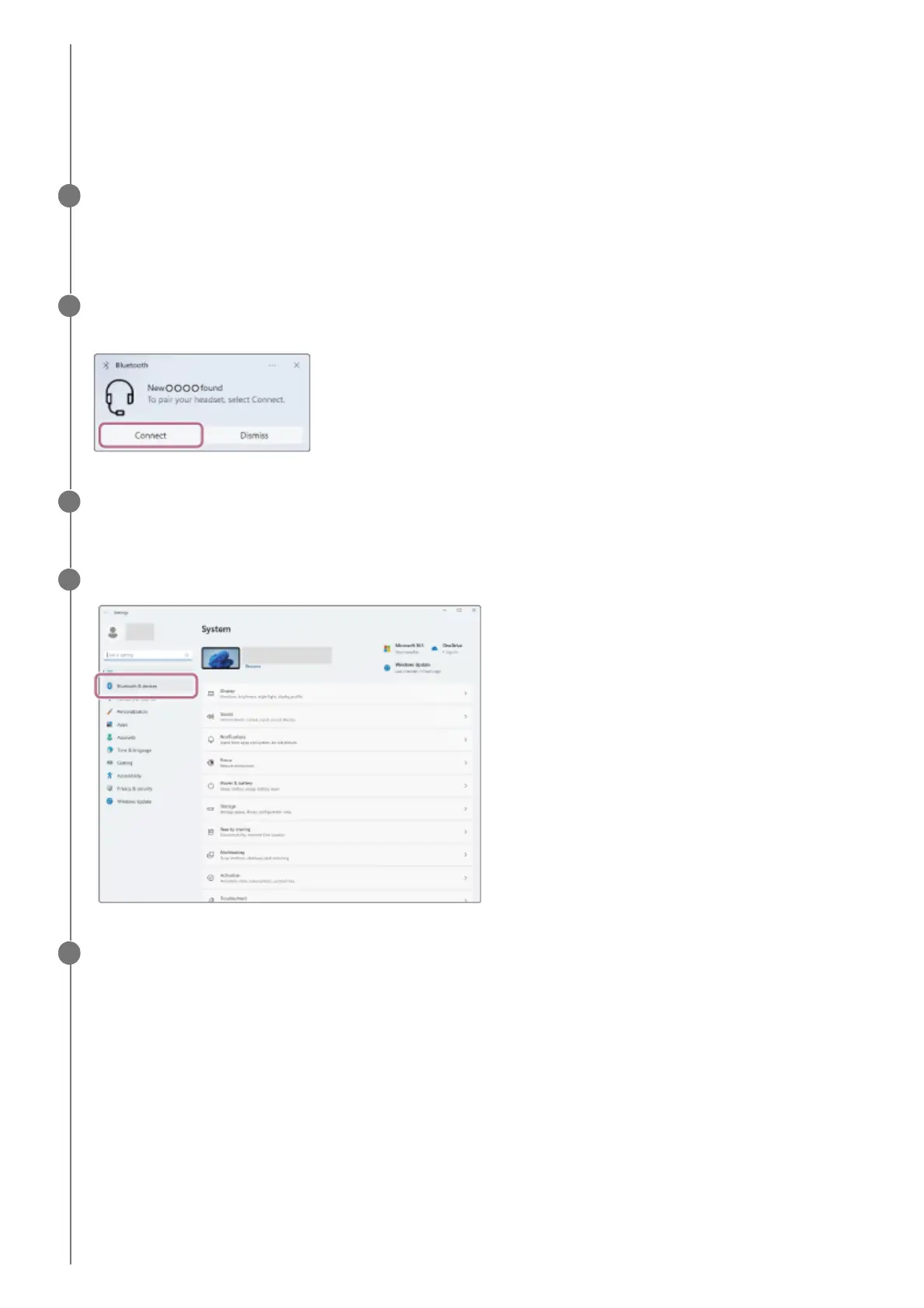
Select [Connect] from the pop-up menu displayed on your computer screen.
5
(If you selected “To connect without using the Swift Pair function” in step 4)
On your computer screen, click the [Start] button, then [Settings].
6
Click [Bluetooth & devices].
7
Click the [Bluetooth] switch to turn on the Bluetooth function, then click [Add device].
8



 To Next Page