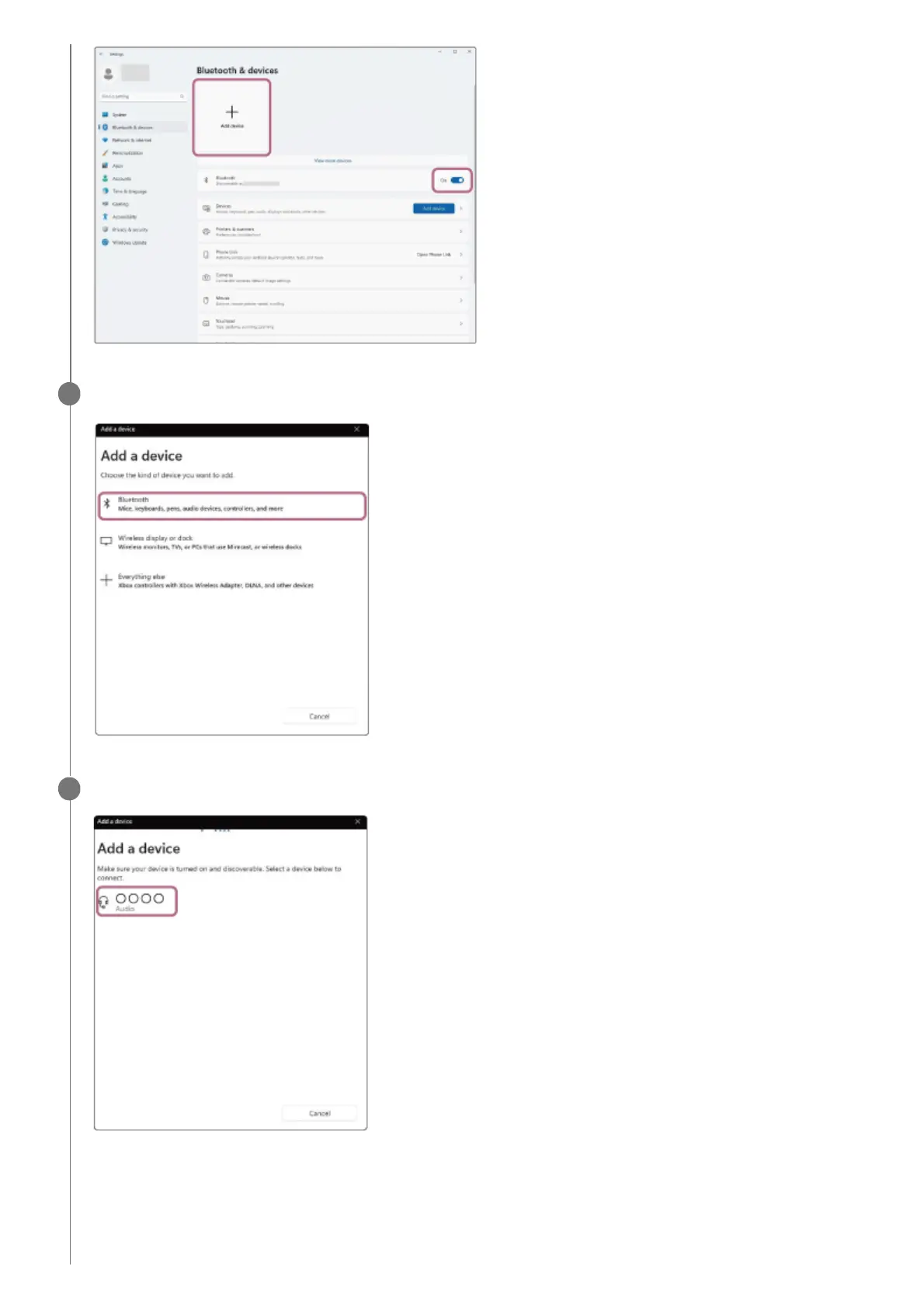
Click [Bluetooth].
9
Click [LinkBuds Open].
If Passkey
*
input is required, input “0000”.
The headset and computer are paired and connected with each other.
When the headset is placed in the charging case, the indicator (blue) on the charging case flashes 10 times.
When you are wearing the headset, you will hear a notification sound indicating that the connection is established
from both headset units at the same time. When you are wearing only one headset unit, you will hear the
10



 To Next Page