Help Guide
Wireless Stereo Headset
LinkBuds Open
Connecting to a paired computer (Mac)
Compatible OS
macOS (version 12 or later)
Before starting the operation, make sure of the following:
Depending on the computer you are using, the built-in Bluetooth adaptor may need to be turned on. If you do not
know how to turn on the Bluetooth adaptor or are unsure if your computer has a built-in Bluetooth adaptor, refer to the
operating instructions supplied with the computer.
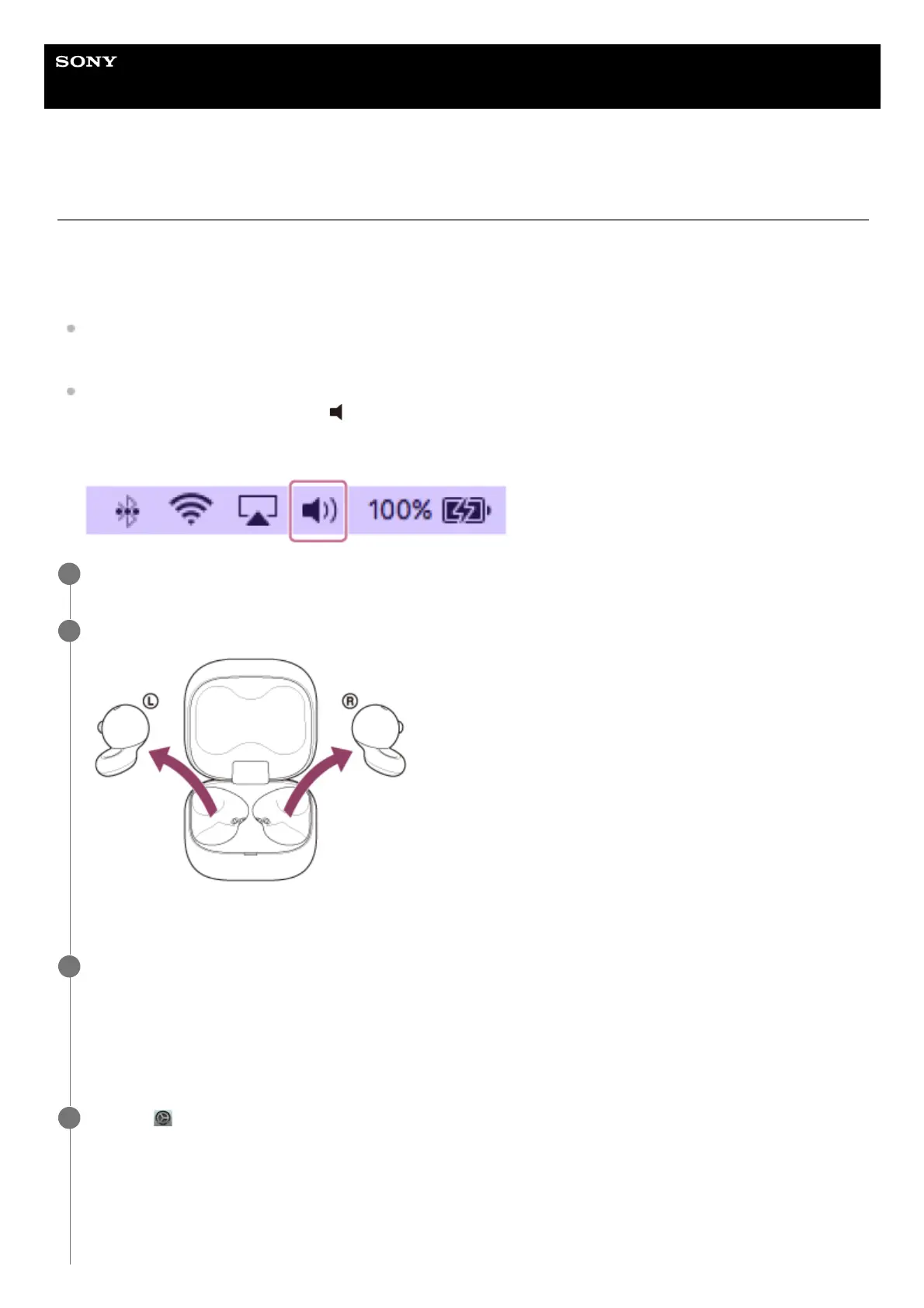
Set the computer speaker to the ON mode.
If the computer speaker is set to the “OFF” mode, no sound can be heard from the headset.
Computer speaker in the ON mode
Wake the computer up if the computer is in standby (sleep) or hibernation mode.
1
Remove the headset units from the charging case.
The headset turns on automatically.
2
Put the headset units into your ears.
When the headset has automatically connected to the last connected device, you will hear a notification sound
indicating that the connection is established from both headset units at the same time. When you are wearing only
one headset unit, you will hear the notification sound from the headset unit you are wearing.
Check the connection status on the computer. If it is not connected, proceed to step 4.
3
Select [ (System Preferences)] - [Bluetooth] from the Dock at the bottom of your computer screen.
4



 To Next Page