MHC-EC99/EC79/EC69/EC99T/EC79T/EC69T.GB.4-131-117-11(1)
16
GB
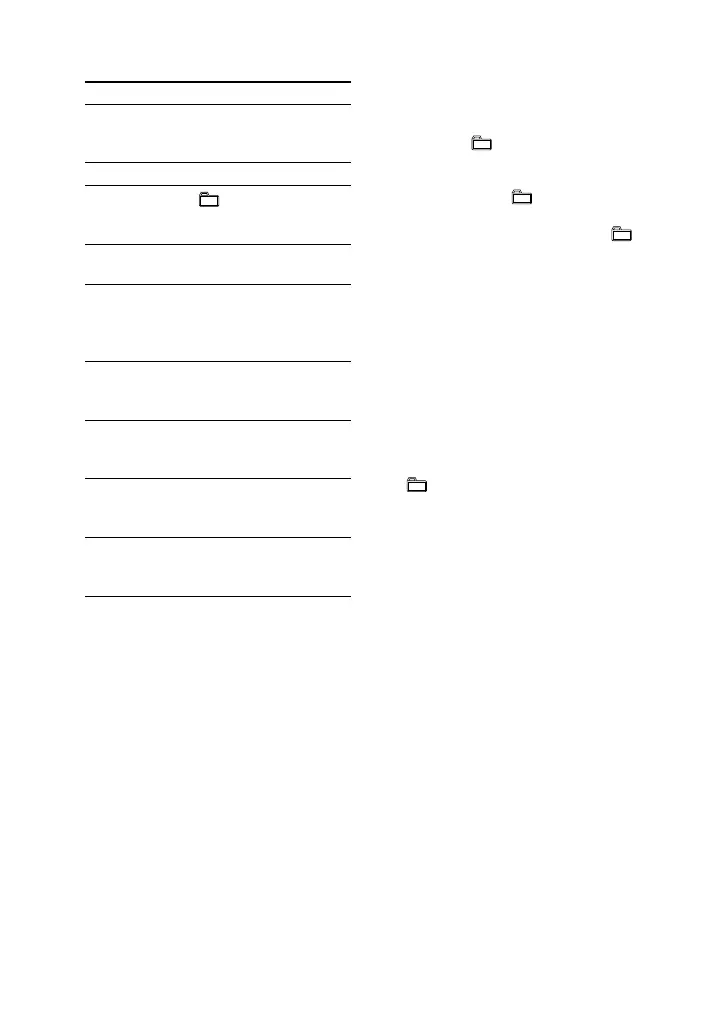
Other operations
To Press
Pause playback (or on the
unit). To resume play,
press the button again.
Stop playback .
Select a folder
on an MP3
disc
+/.
Select a track
or le
/.
Find a point in
a track or le
Hold down /
during playback, and
release the button at
the desired point.
Select Repeat
Play
REPEAT repeatedly
until “REP” or “REP1”
appears.
Select a disc DISC SKIP (or DISC
1 3 on the unit) in
stop mode.
Switch to CD
function from
other function
DISC 1 3 on the unit
(Automatic Source
Selection).
Exchange other
discs while
playing
DISC SKIP/EX-
CHANGE on the unit.
To change the play mode
Press PLAY MODE repeatedly while the
player is stopped. You can select normal
play (no display for all discs or “1 DISC”
for a disc or “ *” for all MP3 les in the
folder on the disc), shue play (“SHUF”
for all discs shue, “1 DISC SHUF” for
one disc shue or “ SHUF” for folder
shue), or program play (“PGM”).
* When playing a CD-DA (audio) disc,
(SHUF) Play performs the same operation as
1 DISC (SHUF) Play.
Notes on Repeat Play
All tracks or les on a disc are played
repeatedly up to ve times.
You cannot select “REP” and “SHUF” (all
discs shue) at the same time.
“REP1” indicates that a single track or le is
repeated until you stop it.
Note on shue play mode
When you turn o the system, the selected
shue play mode (“SHUF”, “1 DISC SHUF”
or “ SHUF”) is cleared and the play mode
returns to normal play mode.












 To Next Page