MHC-EC99/EC79/EC69/EC99T/EC79T/EC69T.GB.4-131-117-11(1)
22
GB
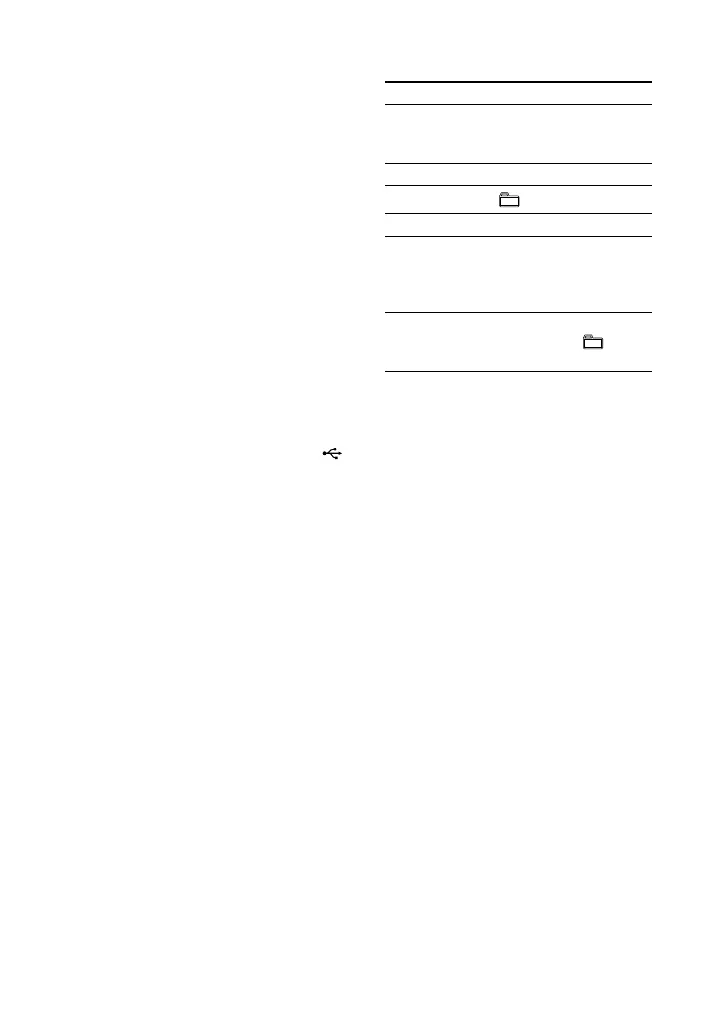
Other operations
To Press
Pause playback on the unit. To
resume play, press the
button again*.
Stop playback .
Select a folder
+/.
Select a le /.
Find a point in
a le
Hold down /
during playback, and
release the button at
the desired point.
Select Repeat
Play
REPEAT repeatedly
until “REP,” “ REP”
or “REP1” appears.
* When playing a VBR MP3/WMA/AAC le,
the system may resume playback from a
dierent point.
When the USB device is inserted, the system
reads all the les on the USB device. If there
are many folders or les on the USB device,
it may take a long time to nish reading the
USB device.
e maximum number of audio les and
folders that can be contained on a single USB
device is 999 (including the “ROOT” folder).
e maximum number of audio les and
folders may vary depending on the le and
folder structure.
Do not save other types of les or unnecessary
folders on a USB device that has audio les.
Compatibility with all encoding/writing
sowares, recording devices, and recording
media cannot be guaranteed. Incompatible
USB device may produce noise or interrupted
audio or may not play at all.
1
Select the USB function.
Press USB (or FUNCTION
repeatedly).
2
Connect a USB device to the
(USB) port.
When the USB device is connected,
the display changes as follows:
“READING” “1”
3
Start playback.
Press (or on the unit).












 To Next Page