MHC-EC99/EC79/EC69/EC99T/EC79T/EC69T.GB.4-131-117-11(1)
19
GB
Operations
Presetting a radio station
Use buttons on the remote to preset
stations.
1
Tune in the desired station.
2
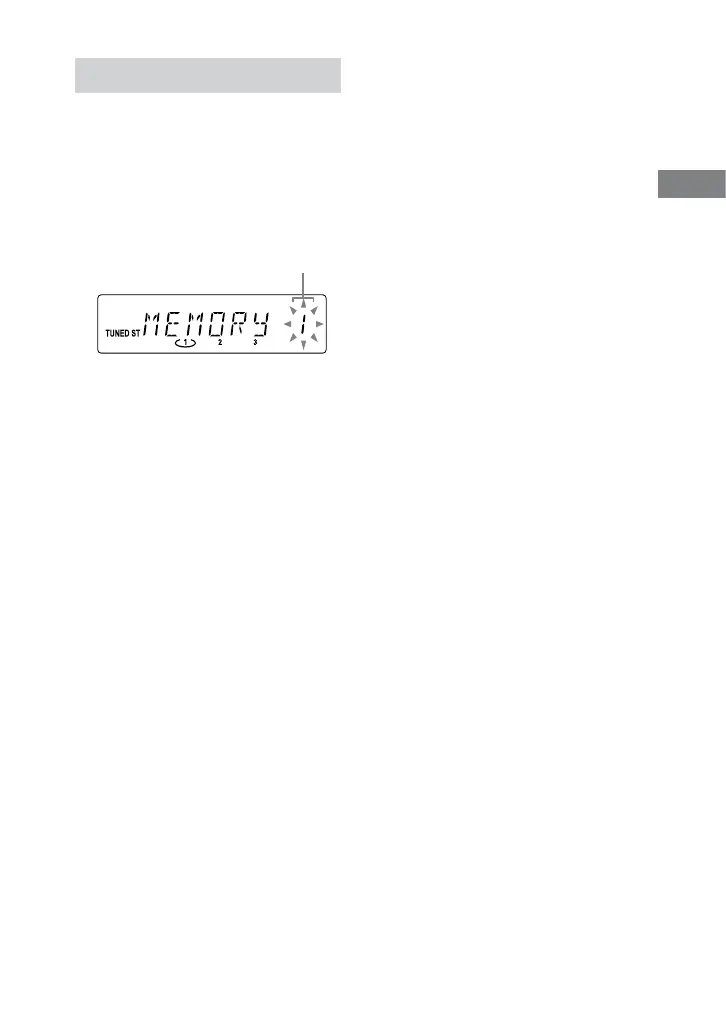
Press TUNER MEMORY to select
the tuner memory mode.
Preset number
3
Press +/ repeatedly to select
the desired preset number.
If another station is already assigned
to the selected preset number,
the station is replaced by the new
stations.
4
Press ENTER to store the station.
5
Repeat steps 1 through 4 to
store other stations.
You can preset up to 20 FM and 10
AM stations. e preset stations are
retained for about half a day even if
you disconnect the power cord or if a
power failure occurs.
6
To call up a preset radio station,
press TUNING MODE repeatedly
until “PRESET” appears, and then
press +/ repeatedly to select
the desired preset number.












 To Next Page