MHC-EC99/EC79/EC69/EC99T/EC79T/EC69T.GB.4-131-117-11(1)
18
GB
5
Program the selected track or
le.
Press ENTER to enter the selected
track or le.
6
Repeat steps 3 through 5 to
program additional tracks or
les, up to a total of 25 tracks or
les.
7
To play your program of tracks
or les, press .
e program remains available until
you open the disc tray. To play the
same program again, select the CD
function, and then press .
To cancel Program Play
Press PLAY MODE repeatedly until
“PGM” disappears while the player is
stopped.
To delete the last track or le of the
program
Press CLEAR while the player is stopped.
To view program information, such as
total track number of the program
Press DISPLAY repeatedly.
Listening to the radio
1
Select “TUNER FM” or “TUNER
AM.”
Press TUNER/BAND (or
FUNCTION) repeatedly.
2
Perform tuning.
For automatic scanning
Press TUNING MODE repeatedly
until “AUTO” appears, and then press
+/ (or TUNING +/ on the unit).
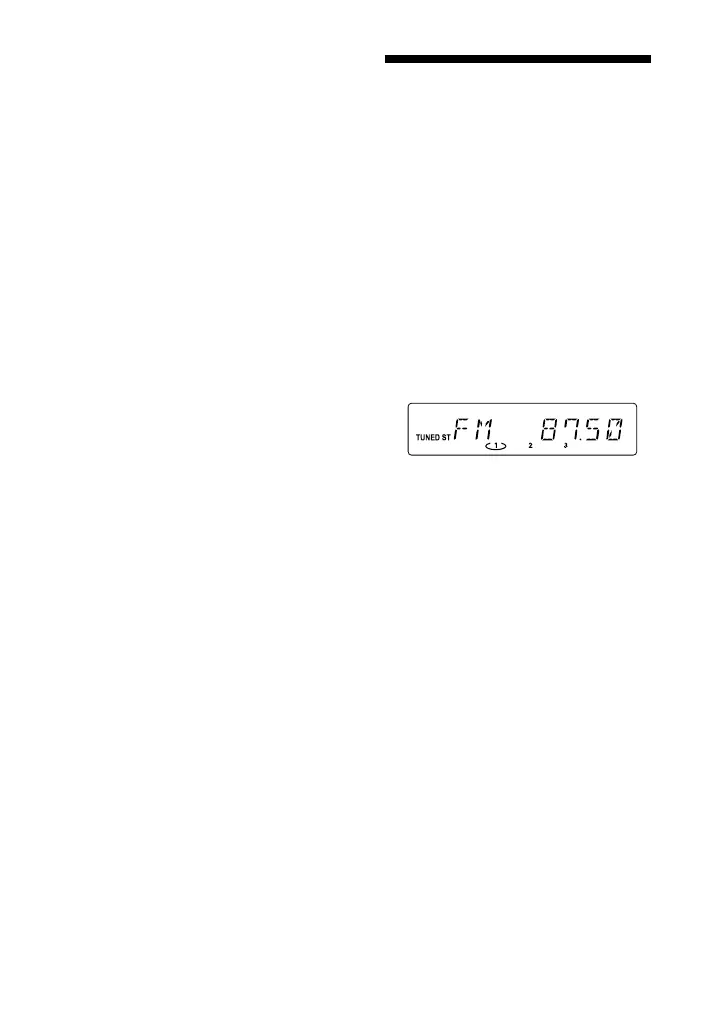
Scanning stops automatically when
a station is tuned in, and “TUNED”
and “ST” (for stereo programs only)
appear.
If “TUNED” does not appear and the
scanning does not stop, press to
stop scanning, then perform manual
tuning (below).
For manual tuning
Press TUNING MODE repeatedly
until “MANUAL” appears, and then
press +/ (or TUNING +/ on the
unit) repeatedly to tune in the desired
station.
Tip
To reduce static noise on a weak FM stereo
station, press FM MODE repeatedly until
“MONO” appears to turn o stereo reception.












 To Next Page