9
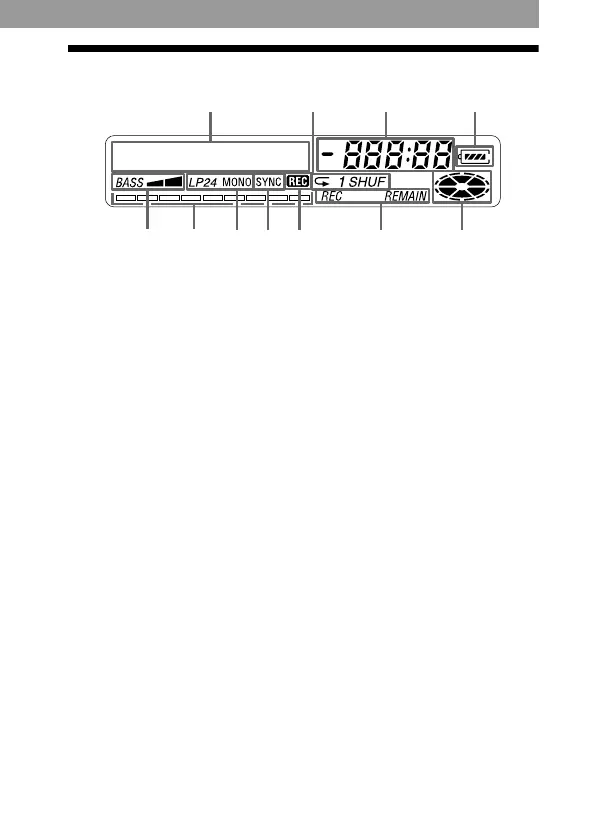
The display window
A Character information
display (32) (34)
Displays the disc and track
names, error messages, track
numbers, etc.
B Play mode indication (34)
Shows the play mode of the
MD.
C Time display
D Battery indication (50)
Shows approximate battery
condition.
E Mega bass indication (35)
F Level meter (30)
Shows the volume of the
MD being played or
recorded.
G Recording mode (LP2/LP4/
MONO) indication
H SYNC (synchro-recording)
indication
I REC indication (15)
Lights up while recording.
When flashing, the recorder
is in record standby mode.
J REC REMAIN/
REMAIN (remaining time/
tracks) indication (32) (36)
Lights up along with the
remaining time of the track,
the remaining time of the
MD, or the remaining
number of tracks.
K Disc indication
Shows that the disc is
rotating for recording,
playing or editing an MD.
I
E
F
G
H
K
J
AB
D
C



 To Next Page
 Loading...








