2-680-300-01(1)
Switching screen orientation (vertical/
horizontal)
Screen orientation (including menu screens) can be
switched in the following 2 ways.
• Press and hold SIZE on a menu screen or a Book page screen.
Press and hold SIZE again to switch back.
• Configure the setting from the Setting menu. (
page 52
)
About screen division when screen orientation
is set to horizontal
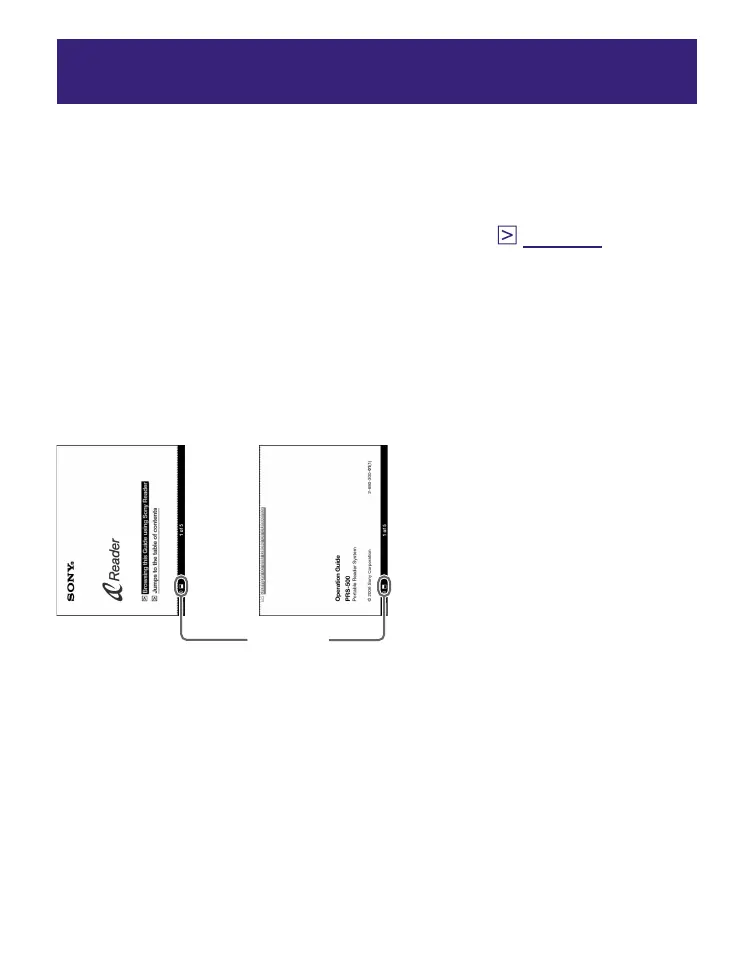
When set to horizontal, the Book page is divided into 2 parts
(upper and lower). To display the lower part, press >.
>
<
Displaying
upper half
Displaying
lower half
Position
indicator
37















 To Next Page