2-680-300-01(1)
Troubleshooting
Troubleshooting
If Sony Reader does not function as expected, try the
following steps to resolve the issue.
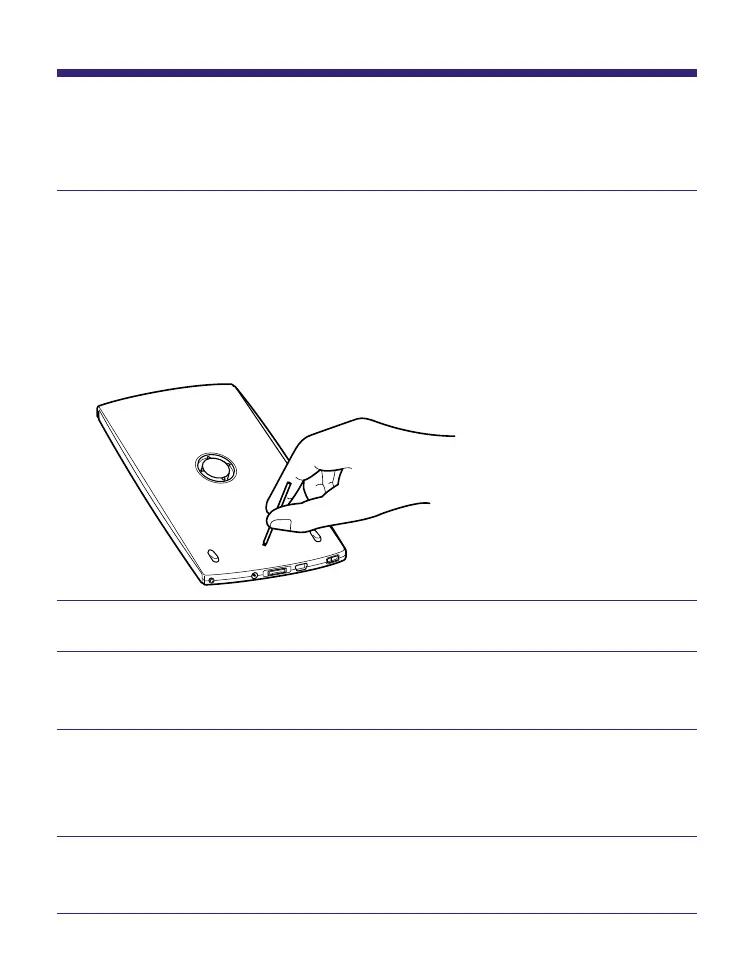
Reset Sony Reader by pressing the Reset button
with a small pin or clip.
The content and settings stored on Sony Reader are not
affected by resetting, and no information is erased.
After pressing the Reset button, turn on Sony Reader by
sliding the POWER switch.
Check the symptoms in “Troubleshooting.”
Check for information about the issue in CONNECT
Reader Help.
Look for information about the issue on one of the
support Web sites.
http://www.sony.com/readersupport
If the approaches listed above fail to resolve the
issue, please call Sony Support 1-(866)-962-7669.
57















 To Next Page