2-680-300-01(1)
Settings
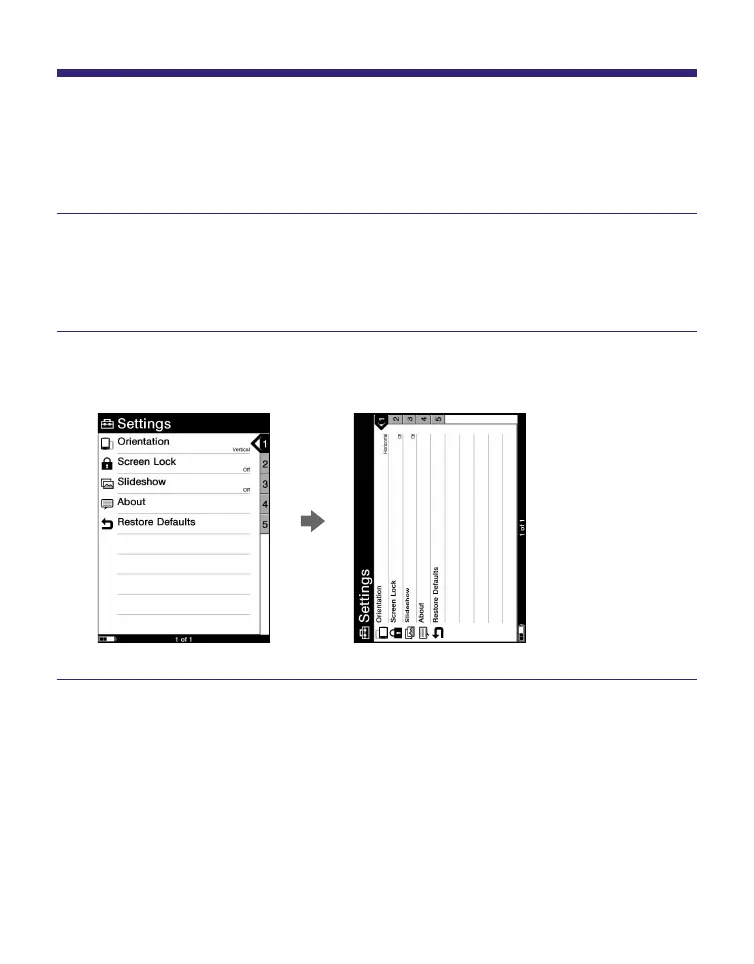
Setting screen orientation
Screen orientation (including menu screens) can be set to
vertical/horizontal.
In the Home menu, press / to select “Settings,”
then press ENT.
The Setting menu appears.
Press / to select “Orientation,” then press ENT.
The orientation is switched from vertical to horizontal.
52















 To Next Page