2-680-300-01(1)
Setting the Slideshow
Follow the steps below to configure the slideshow settings.
In the Home menu, press / to select “Settings,”
then press ENT.
The Setting menu appears.
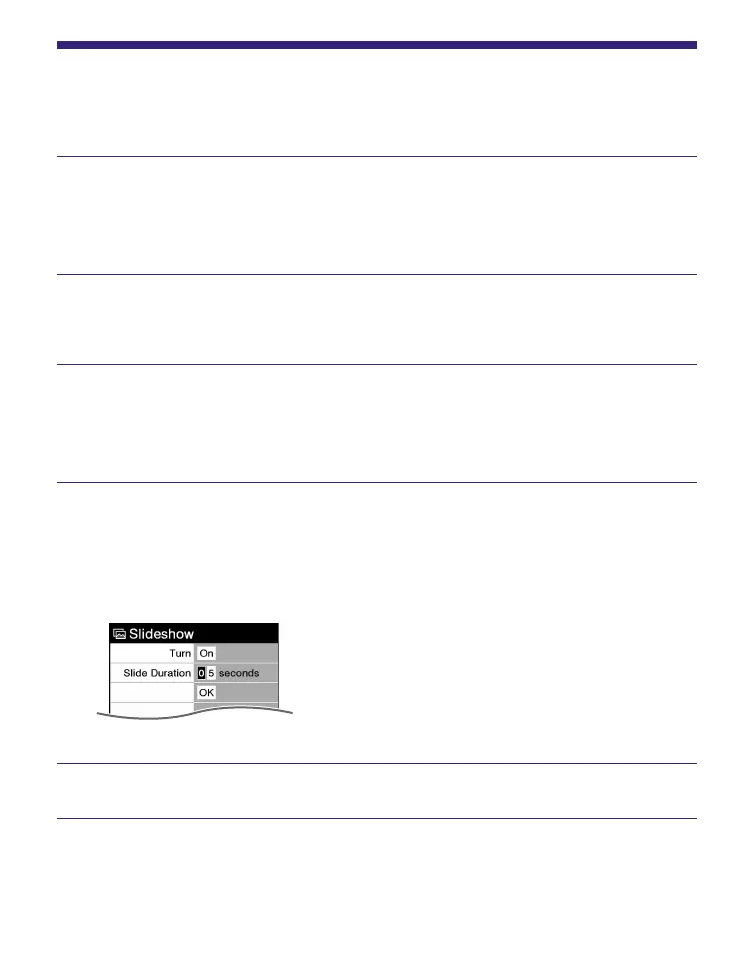
Press / to select “Slideshow,” then press ENT.
The Slideshow setting screen appears.
Press ENT repeatedly to select “OFF” or “ON.”
The setting switches from “OFF” to “ON,” and the
slideshow setting is activated.
Press // to select “Slide Duration,” then press
the number buttons to input the duration time.
“Slide Duration” can be set up to 60 seconds in 1
second increments.
Press /// to select “OK,” then press ENT.
55















 To Next Page