2-680-300-01(1)
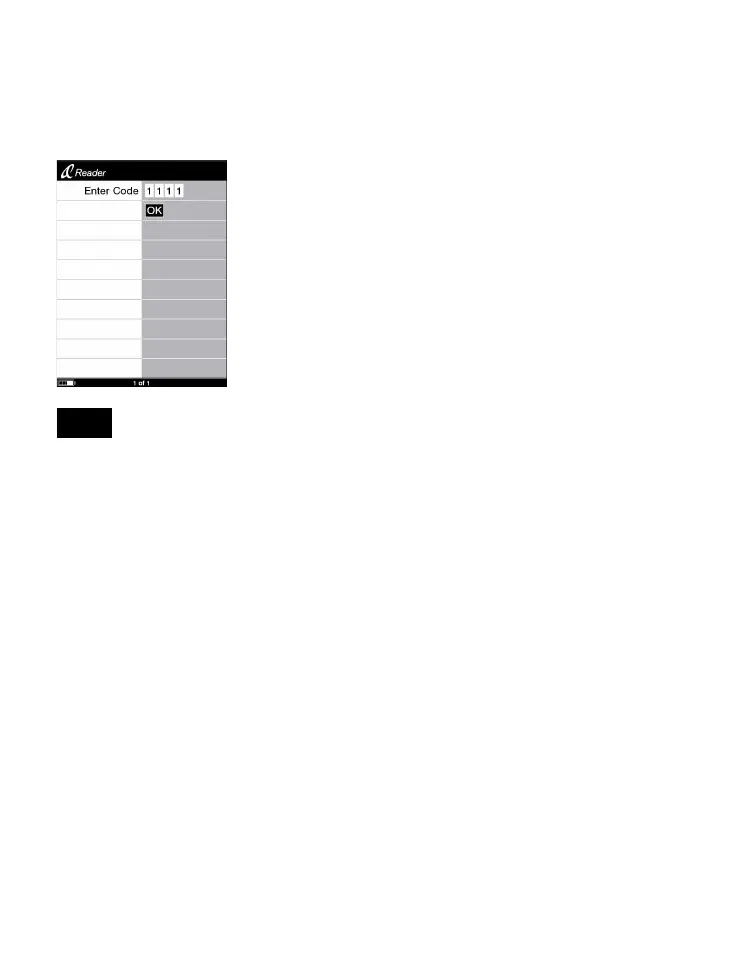
Reader, the screen asking for the password appears.
Press the number buttons to input the password, press to
select “OK,” then press ENT.
The Home menu appears.
Note
• Be careful not to forget the password.
If you lost your password, please call Sony Support 1-(866)-962-
7669.
54


 To Next Page
 Loading...














