2-680-300-01(1)
Introduction
What You Can Do with Sony
Reader
First, read the Quick Start Guide to prepare Sony Reader
for use. Initially after purchase, you need to charge the Sony
Reader battery and install the dedicated software
“CONNECT Reader” on your computer.
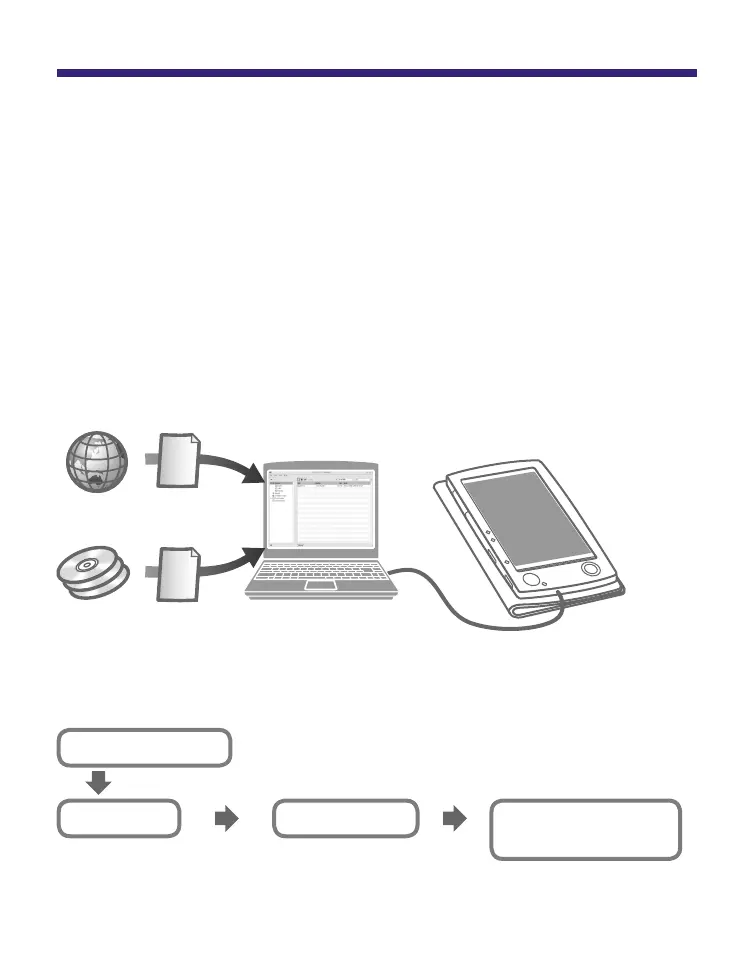
Once initial preparation is complete, you can transfer
content from your computer to Sony Reader to take
anywhere you wish.
Downloaded
eBooks
*
1
*
2
*
1
CONNECT eBooks (online e-Book store)
*
2
Audio/Picture/Text files that you already have
Transferring
Charge Sony Reader, then install CONNECT
Reader to your computer.
Download the eBooks from
CONNECT eBooks on your
computer.
Transfer content from your
computer to Sony Reader
using CONNECT Reader.
Enjoy the content on Sony
Reader.
Reading/Playing/
Viewing
Importing
Getting Started
7















 To Next Page