2-680-300-01(1)
To remove all bookmarks in the current book
In the Option menu, press / to select “Utilities,”
then press ENT.
Press / to select “Remove All Bookmarks,” then
press ENT.
All bookmarks in the current book are removed.
Note
• Confirm carefully before removing bookmarks.
To select from the list of all bookmarks on
Sony Reader
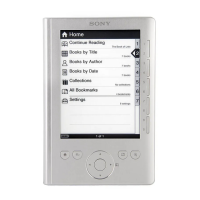
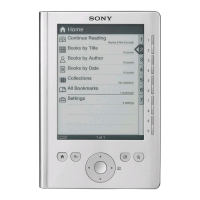
In the Home menu, press / to select “All
Bookmarks,” then press ENT.
The list of all bookmarks on Sony Reader appears.
Press / to select the desired page, then press
ENT.
Hint
• The All Bookmark list can also be displayed by pressing and
holding MARK.
43




 To Next Page