2-680-300-01(1)
Operations on the Picture viewer
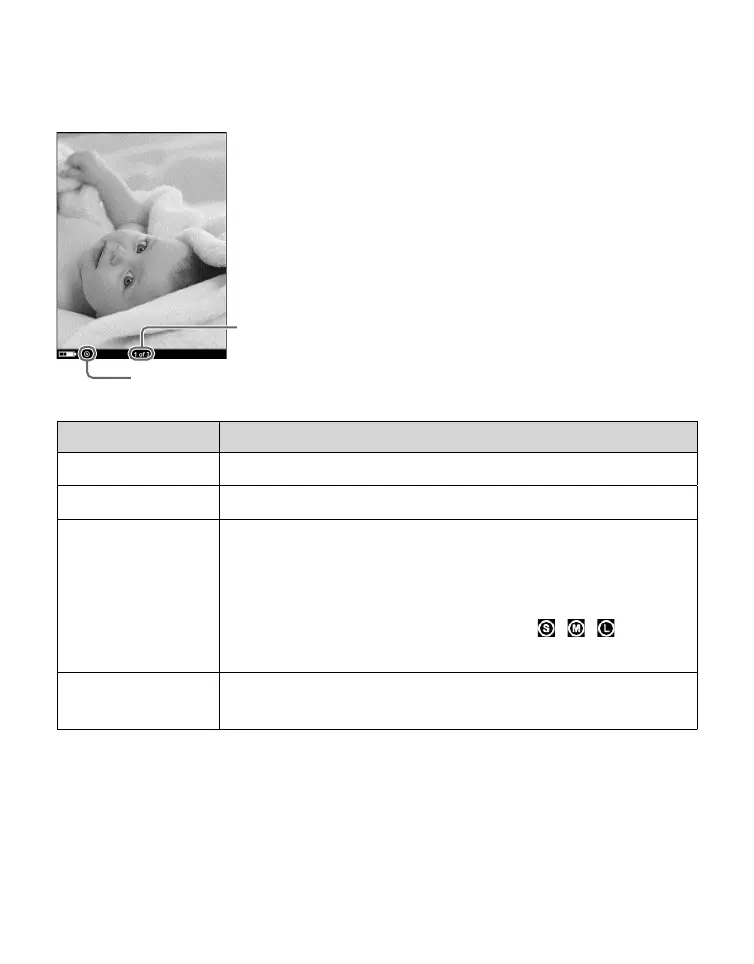
On the Picture viewer, the following operations can be
performed.
Current picture number/
total picture number
Size indicator
Button Operation
> button To display the next picture.
< button To display the previous picture.
SIZE button To zoom in/out a page.
Every time you press SIZE, the picture is
magnified in steps and returns to the original
scale after the maximum magnification.
The scale switches in 3 steps ( , , –
indicated at the bottom of the screen).
ENT button To restore the original scale when the picture
is magnified.
50















 To Next Page