35
You can operate the camcorder from a web
browser by connecting a smartphone, tablet, or
other device that supports a web browser to the
camcorder using a wireless LAN connection.
This function is called Wi-Fi remote control.
This function is useful when operating the
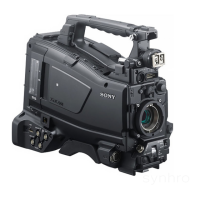
camcorder from a remote location, for example,
when the camcorder is mounted on a crane.
For details of the Wi-Fi remote control setup
procedure, see (page 54).
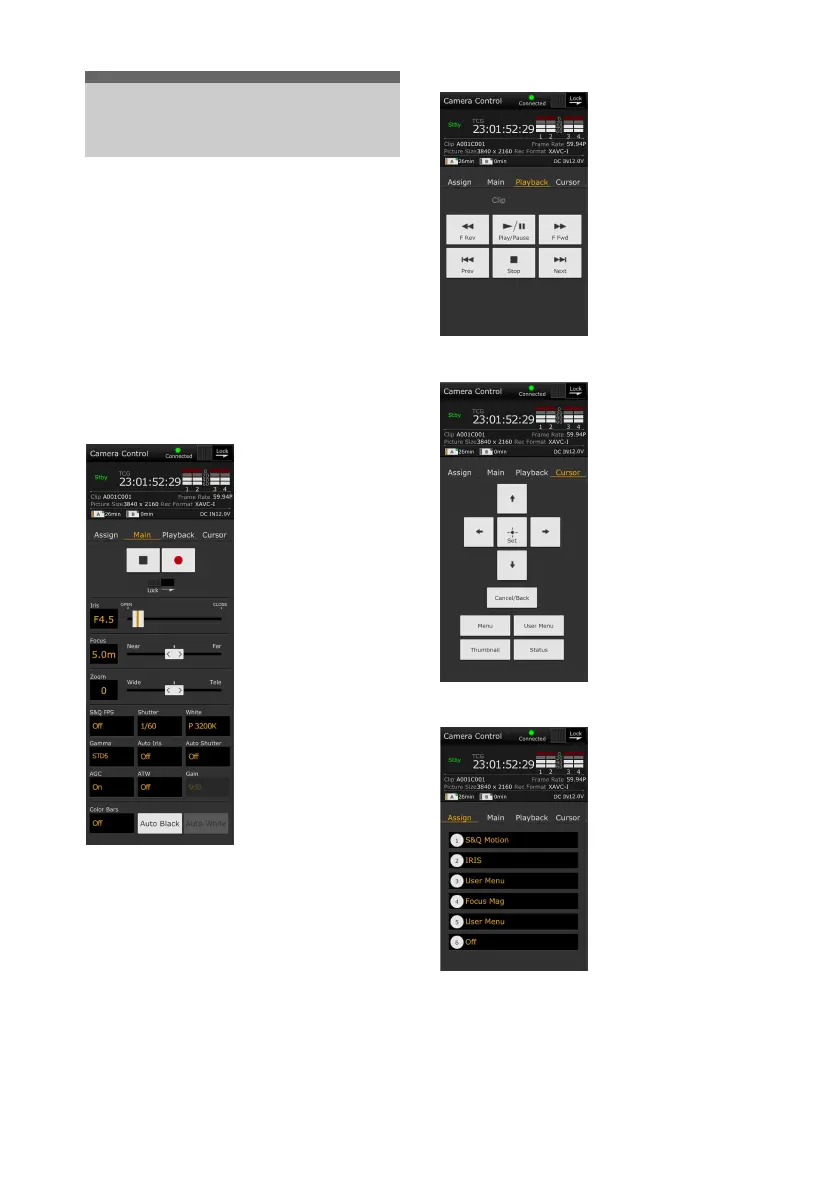
Wi-Fi Remote screen (smartphone)
Main screen
Playback screen
Cursor screen
Assign screen
Using Wi-Fi Remote
Control
• Shooting settings
S&Q FPS, Shutter,
White, Sensitivity/Gain/
Exposure Index,
Gamma, MLUT, Color
Bars, Auto Black, Auto
White, Rec Start/Stop,
Lock, Iris, Focus, Zoom,
Auto Iris, Auto Shutter,
AGC, ATW
• Status display
• Playback buttons
Play/Pause, Stop, F Fwd,
F Rev, Next, Prev
• Status display
• Cursor buttons
Up, Down, Left, Right,
Set, Cancel/Back, Menu,
Status, Thumbnail, User
Menu
• Status display
• Assignable buttons
Assignable buttons 1 to 6




 To Next Page