40
Note
The focus indicator may show little or no variation when
you are shooting subjects with little surface variation or
dark scenes.
You can monitor the audio that is being recorded
using headphones.
Connecting a set of headphones to the headphone
connector (page 10) enables you to monitor the
audio being recorded. You can also monitor the
playback audio (page 56) using the built-in
speaker (page 10) or headphones.
You can select the audio channel to monitor and
adjust the volume using Audio Output (page 75)
in the Audio menu.
When two XQD memory cards are inserted, press
the SLOT SELECT button (page 9) to switch
cards.
Note
You cannot switch between memory cards during
playback mode. Also, continuous playback of a clip
spanning media in slot A and slot B is not supported.
Monitoring Audio
Switching Between XQD Memory
Cards
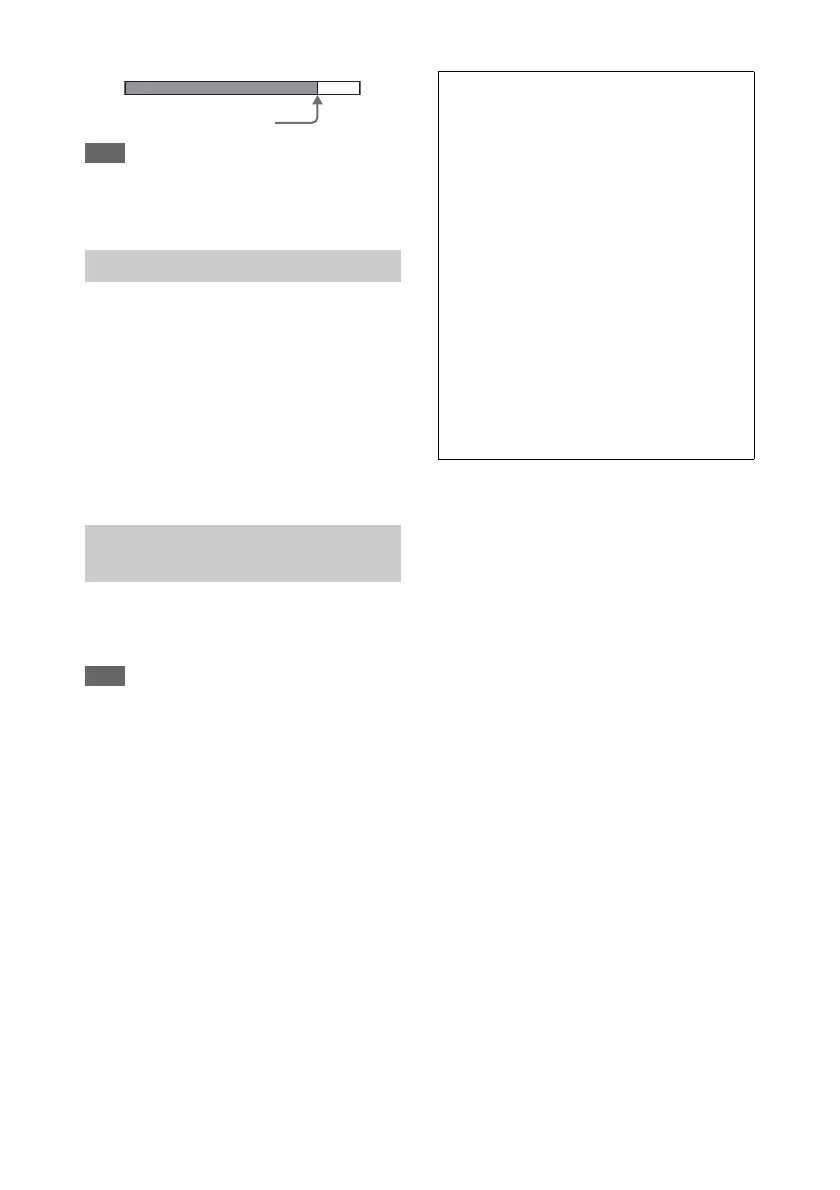
In-focus: Position of
maximum reach of the bar
Clips (recorded data)
When you stop recording, the video, audio, and
accompanying data from the start to the end of
the recording are saved as a single “clip” on an
XQD memory card.
Clip names
Each clip recorded by the camcorder is
automatically assigned a clip name comprising
the word “Clip” and a 4-digit number. The 4-
digit number automatically increments with
each recording.
You can change the “Clip” prefix using Clip in
the Media menu.
Maximum clip duration
Up to 6 hours per clip.
Multiple clips are recorded in succession
during relay recording, but recording will stop
automatically after approximately 13 hours.




 To Next Page