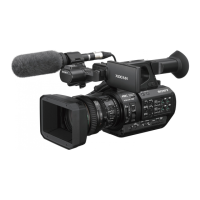
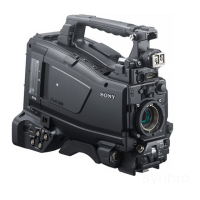
9
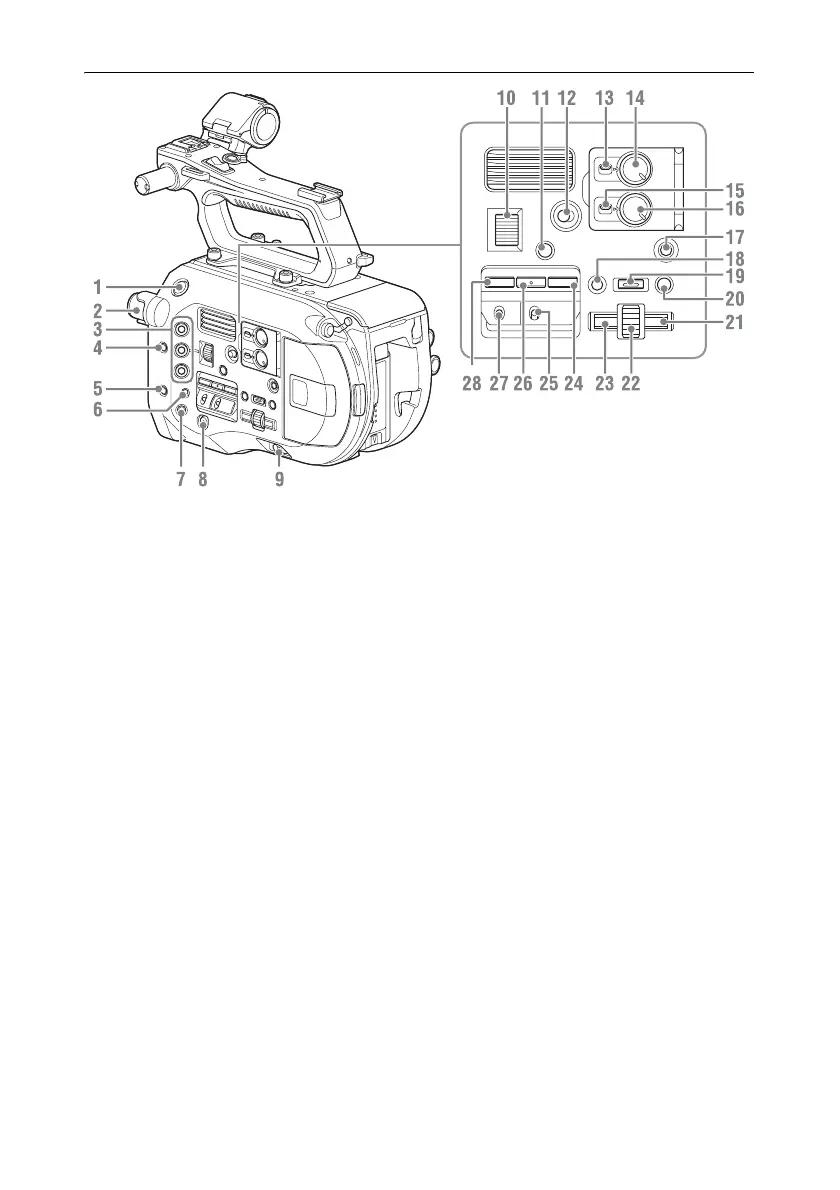
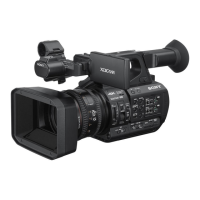
1. Record START/STOP button
2. ND FILTER dial (page 42)
3. ASSIGN (assignable) 1 to 3 buttons
(page 45)
4. PUSH AUTO IRIS button (page 41)
5. PUSH AUTO FOCUS button (page 39)
6. FOCUS switch (page 39)
7.
DISPLAY button
(page 13)
8. FULL AUTO button (page 37)
9. POWER switch (page 18)
10. IRIS dial (page 45)
11. STATUS CHECK button (page 15)
12. HOLD switch (page 92)
13. CH1 LEVEL CONTROL switch (page 43)
14. CH1 INPUT LEVEL dial (page 43)
15. CH2 LEVEL CONTROL switch (page 43)
16. CH2 INPUT LEVEL dial (page 43)
17. SLOT SELECT (XQD memory card
select) button (page 29)
18. CANCEL/BACK button (page 56)
19. MENU button (page 58)
20. THUMBNAIL button (page 55)
21. Right button
Used to set numeric values and to move the
cursor to the right on thumbnail screens and
menus.
22. SEL/SET (select/set) dial
Turn the dial to move the cursor up/down to
select menu items or settings. Press to apply the
selected item.
23. Left button
Used to set numeric values and to move the
cursor to the left on thumbnail screens and
menus.
24. SHUTTER button (page 42)
25. WHT BAL (white balance memory select)
switch (page 42)
26. WHT BAL (white balance) button
(page 42)
27. GAIN (gain select) switch (page 41)
28. ISO/Gain button (page 41)





 To Next Page