PRS-300.GB.4-151-151-11(1)
Getting Started
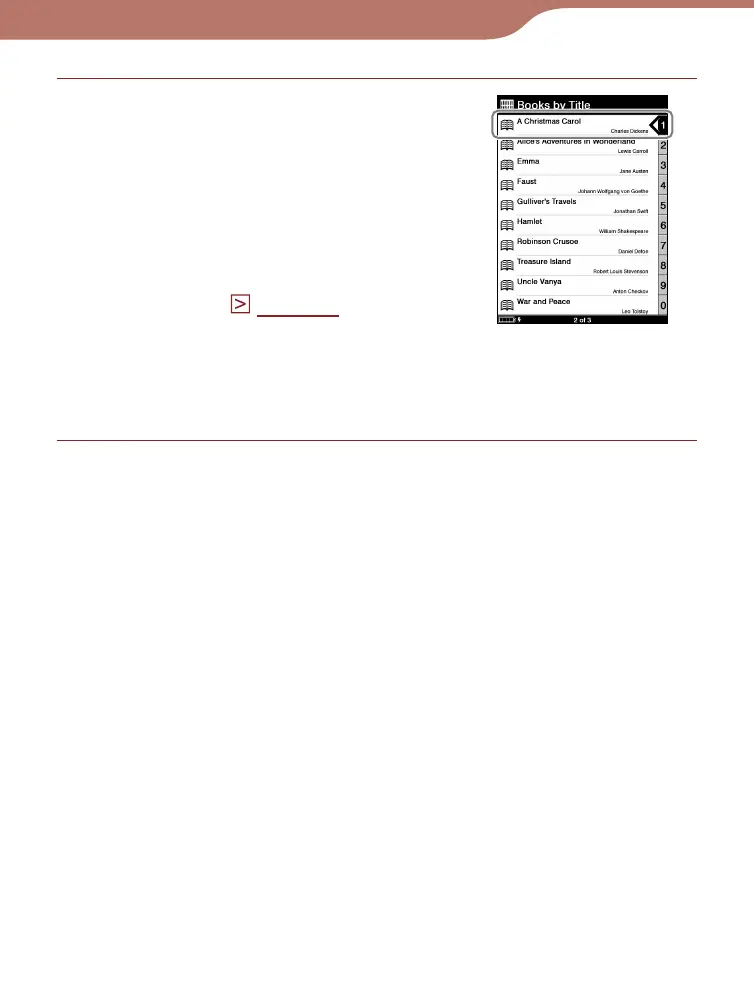
Press the number button of the
desired book, or press the /
buttons to move the cursor
onto the desired book and then
press the Enter button.
If more than 30 books are
stored, the Index menu
appears. (
page 39
)
If the list is divided into the
several pages, you can display
the rest of the list by pressing
the button.
Continued
Book list
18













 To Next Page