PRS-300.GB.4-151-151-11(1)
Getting Started
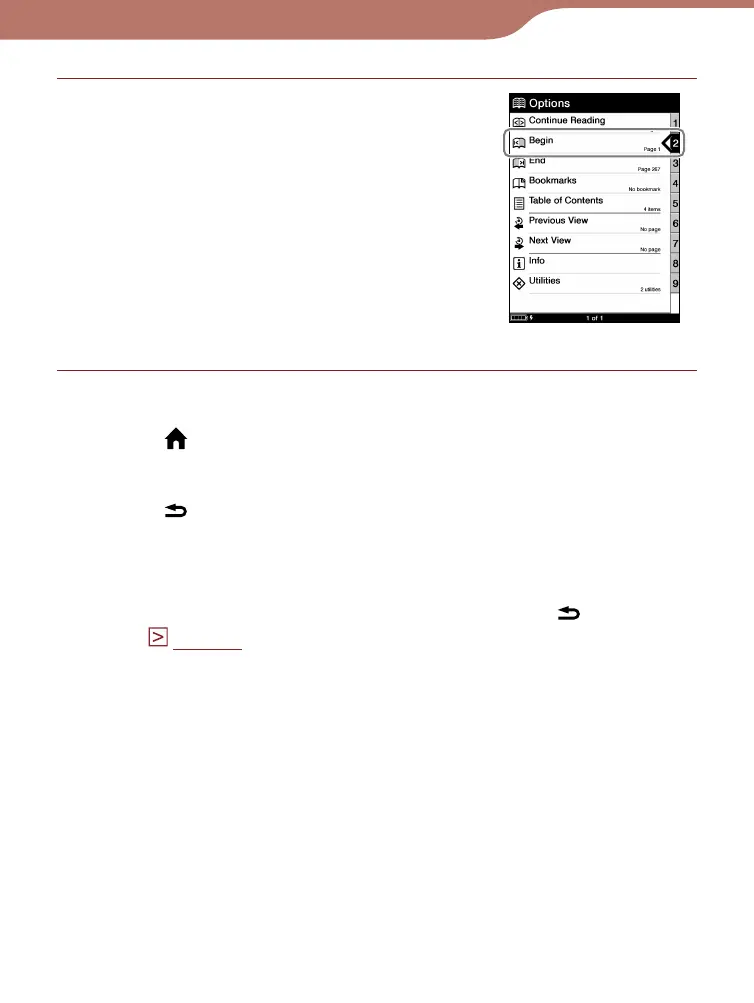
Press the number 2 button, or
press the / buttons to move
the cursor onto “Begin” and
then press the Enter button.
To return to the “Home” menu
Press the (Home) button.
To return to the previous menu
Press the (Return) button.
Hint
If you open the book from “Continue Reading,” you can display the
“Options” menu from the book page by pressing the
(Return)
button.
(
page 41
)
“Options” menu
19













 To Next Page