PRS-300.GB.4-151-151-11(1)
Reading Books
Hint
If you open the book from “Continue Reading,” you can display the
“Options” menu from the book page by pressing the (Return)
button. (
page 41
)
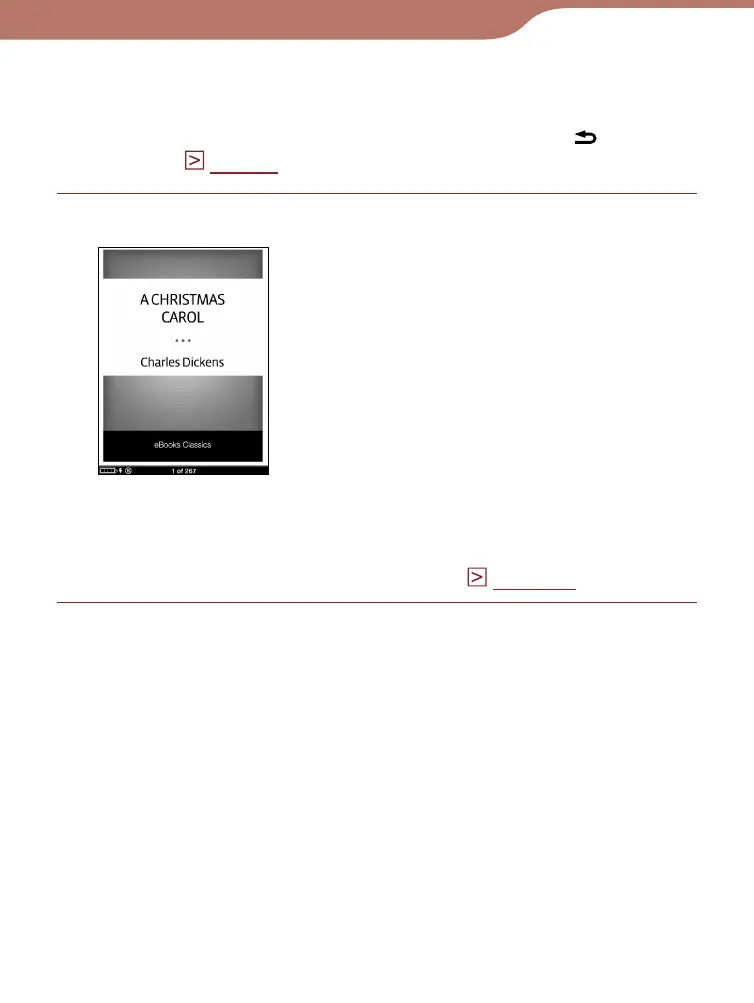
Press the / buttons to turn pages.
Book page
For details on how to operate the book page, see
“Operations on the book page.” (
page 42
)
Continued
36













 To Next Page