19
GB
Playback Options
For more information, refer to the pages indicated in parentheses.
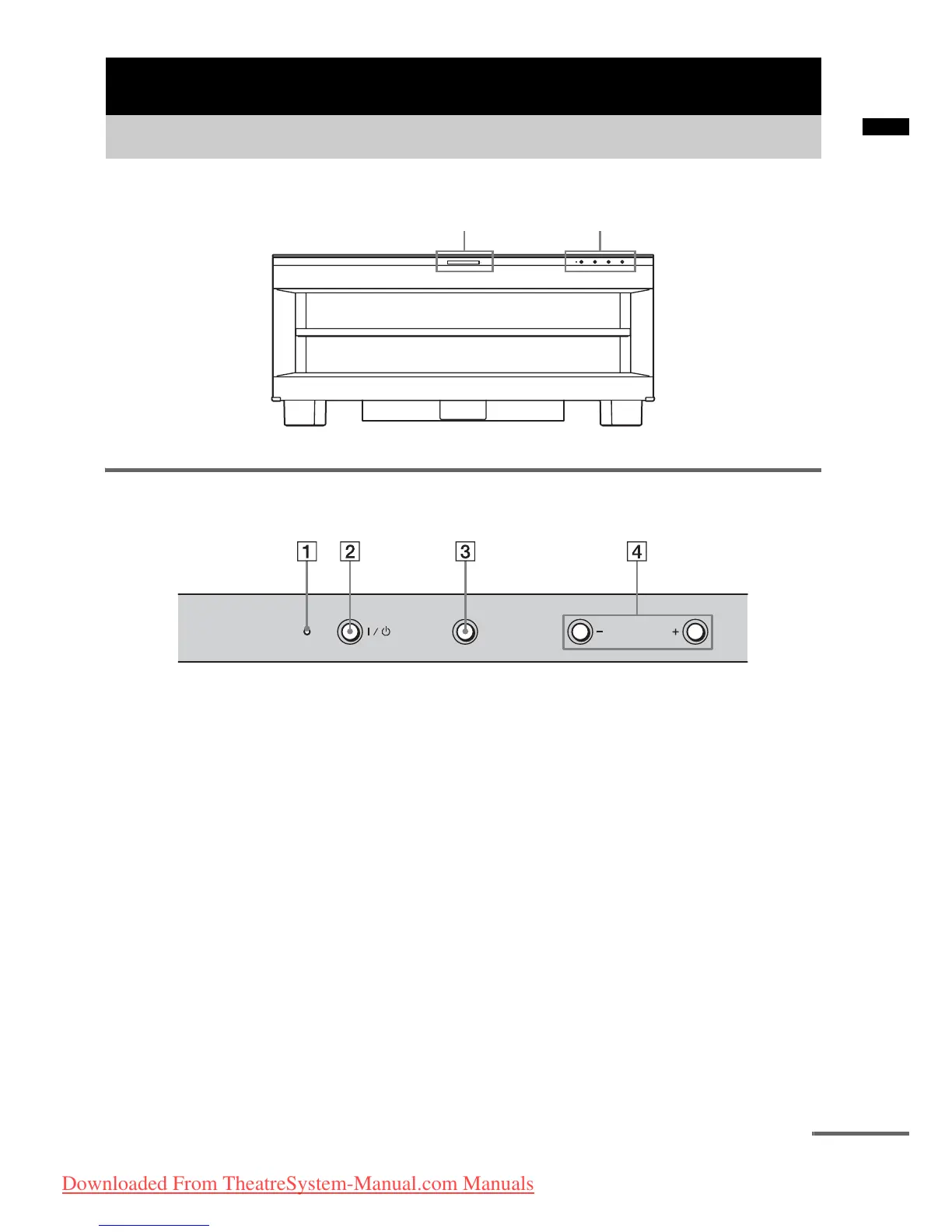
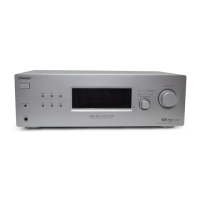
Front panel buttons and indicator
A POWER/ACTIVE STANDBY indicator
Lights as follows:
Green: The stand is turned on.
Amber: Control for HDMI function is
working while the stand is turned
off.
Off: The stand is turned off, and the
Control for HDMI function is not
working.
B ?/1 (on/standby)
Press to turn the stand on or off.
C INPUT SELECTOR
Press to select the input source to play back.
Each time you press the button, the input
source changes cyclically as follows:
TV t BD t DVD t SAT/CATV t FM
t AM t DMPORT t TV …..
D VOLUME +/–
Press to adjust the volume.
Playback Options
Index to parts and controls
Front panel display Front panel buttons and indicator
INPUT SELECTOR
VOLUME
POWER/
ACTIVE STANDBY
continued
Downloaded From TheatreSystem-Manual.com Manuals





 To Next Page