9
GB
Getting Started
About the installation position
Install the stand after connecting all the
components to the stand.
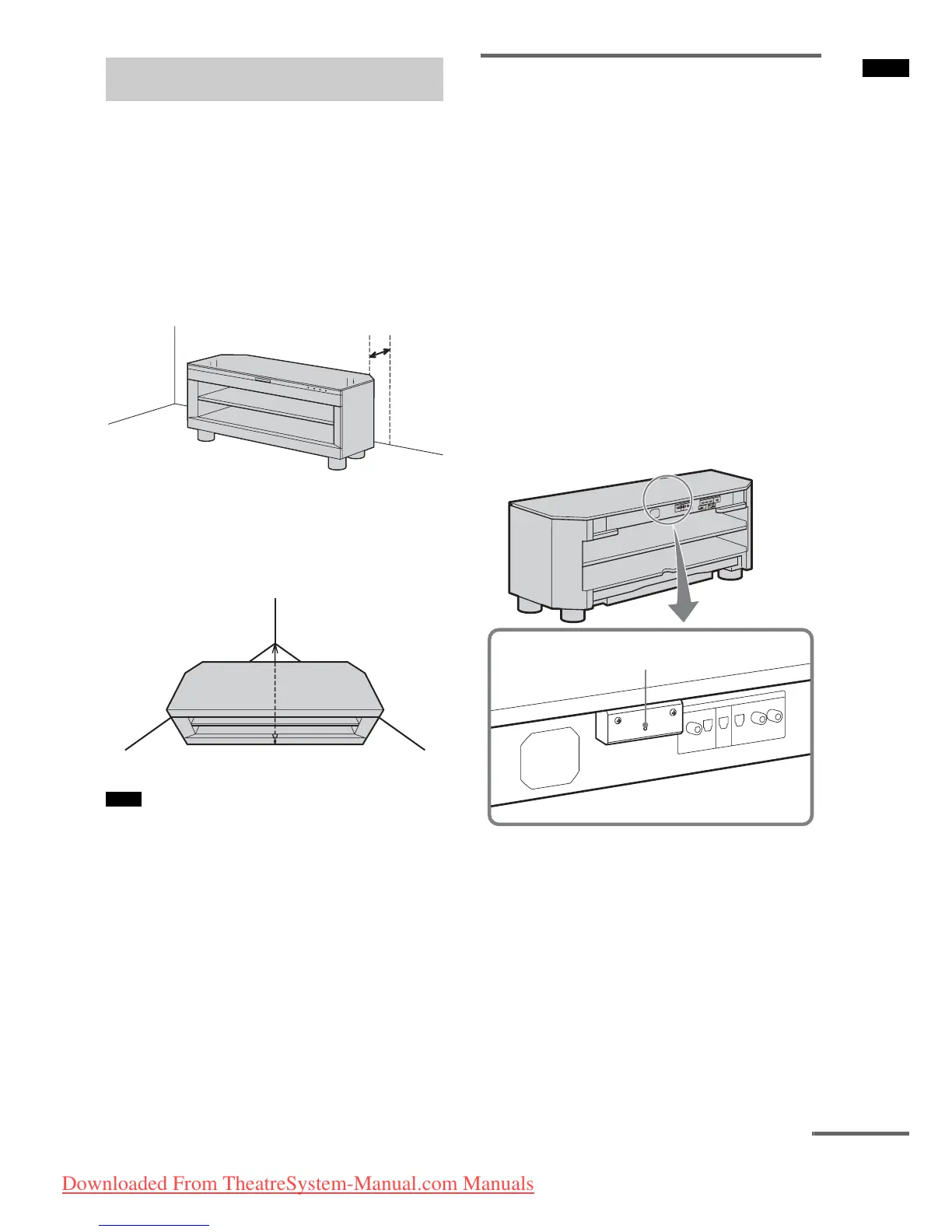
Install the stand after allowing for a space of
more than 5 cm from the wall. This is to allow
for heat dissipation and to prevent the TV from
falling.
The stand has a back corner cut to fit in the
corner of a room. If you install the stand in a
corner of your room, it requires a space of about
86 cm from the corner of the room to the front of
the stand.
• Be careful not to pinch your fingers when setting up
the stand.
Preventing the TV from
toppling over
As a protective measure, secure the TV.
Perform following steps as a protective measure
if you have a Sony LCD TV.
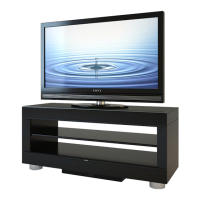
1 Place the TV on the stand.
The TV should be placed in the centre of the
stand, aligning the rear edge of the TV’s
base with the stand’s rear edge.
2 Attach the support belt supplied with
the TV to the stand.
For details, refer to the operating
instructions supplied with a Sony LCD TV.
You can fasten a wood screw to the
centrally-positioned hole on the rear of the
stand.
Setting this stand
Note
More than
5cm
86 cm
Hole for a wood screw
continued
Downloaded From TheatreSystem-Manual.com Manuals







 To Next Page