26
GB
You can enter a name for preset stations. These
names (for example, “XYZ”) appear in the front
panel display when a station is selected.
Note that no more than one name can be entered
for each preset station.
• You cannot enter a name for preset station of the
Radio Data System (RDS) (page 27).
1 Press INPUT SELECTOR + or –
repeatedly until “FM” or “AM” appears
in the front panel display.
The last received station is tuned in.
2 Press PRESET + or – repeatedly to
select the preset station you want to
create an index name for.
3 Press MENU.
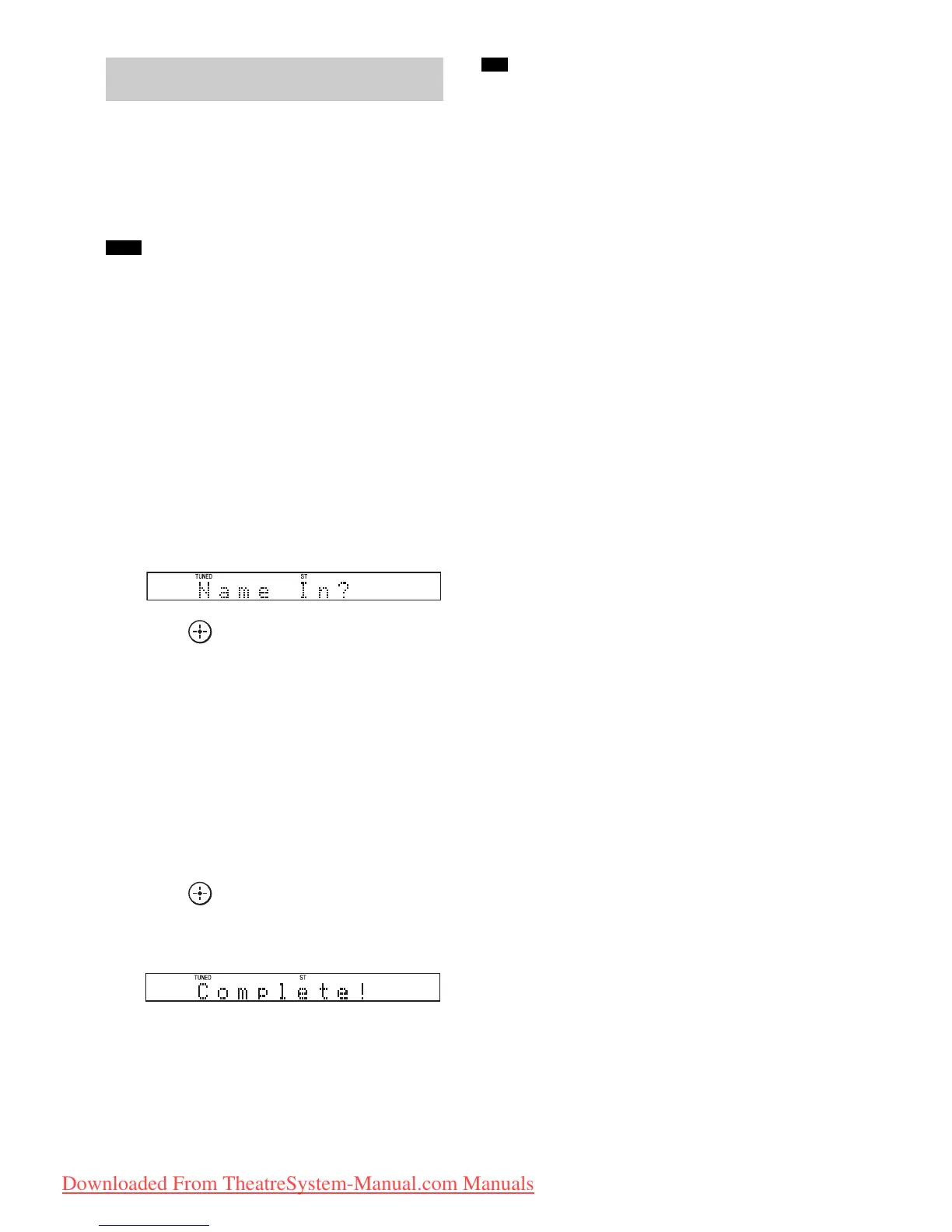
4 Press X/x repeatedly until “Name In?”
appears in the front panel display.
5 Press .
6 Create a name by using C/X/x/c.
Press X/x to select a character, then press c
to move the cursor to the next position.
Letters, numbers, and other symbols can be
input for a radio station name.
If you enter a wrong character
Press C/c repeatedly until the character to
be changed flashes, then press X/x to select
the desired character.
7 Press .
“Complete!” appears in the front panel
display, and the station name is stored.
8 Press MENU.
• You can check the frequency in the front panel display
by pressing DISPLAY repeatedly (page 27).
Naming preset stations
Note
Tip
Downloaded From TheatreSystem-Manual.com Manuals





 To Next Page