EasyManua.ls Logo

Sony RM-E300 - Page 23

Sony RM-E300
73 pages
Print Icon
To Next Page IconTo Next Page
To Previous Page IconTo Previous Page
Loading...
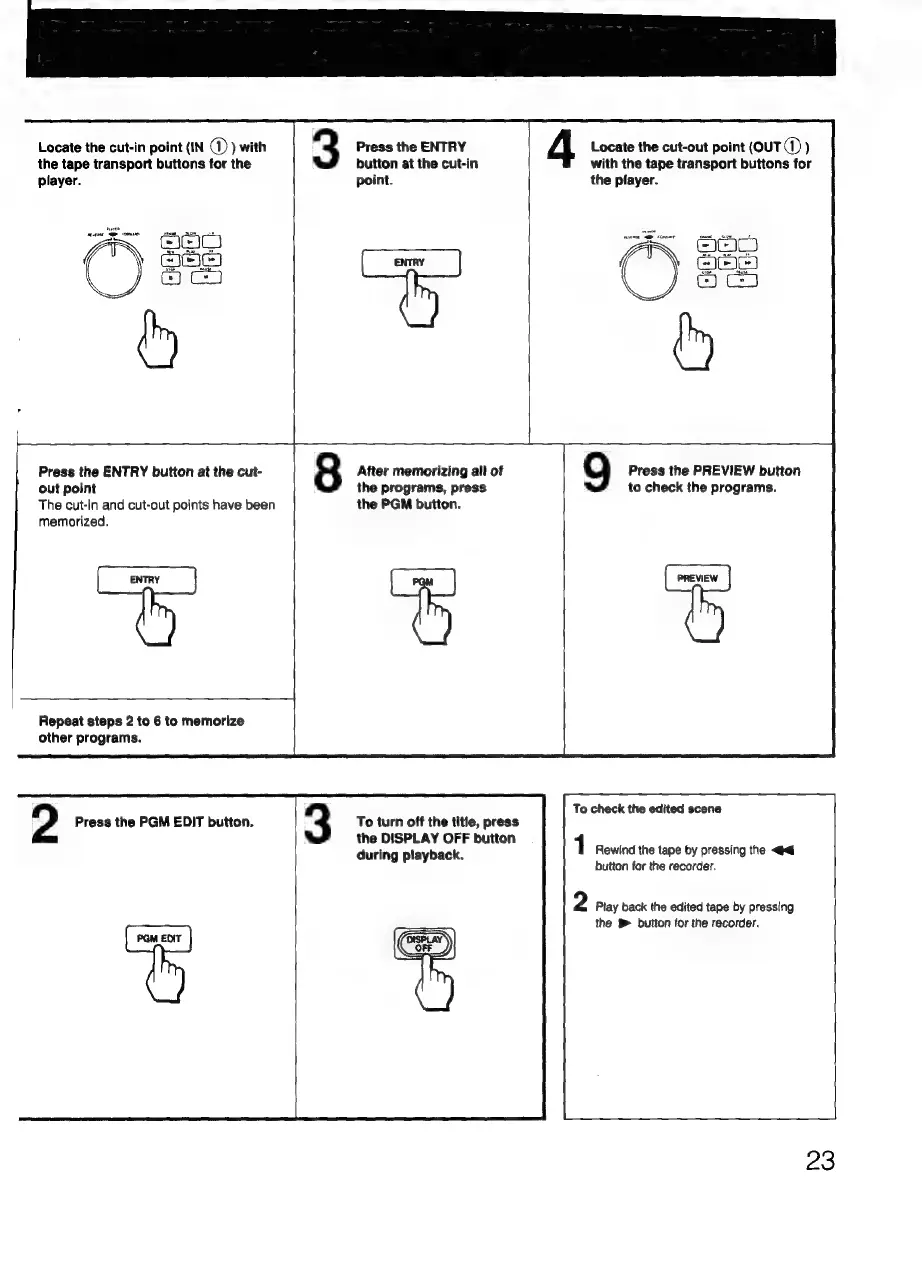
Locate
the
cut-in
point
(IN
@
)
with
the
tape
transport
buttons
for
the
player.
3
Press
the
ENTRY
button
at
the
cut-in
point.
G
4
Locate
the
cut-out
point
(ouTd
)
with
the
tape
transport
buttons
for
the
pfayer.
Ses.
pe
Press
the
ENTRY
button
at
the
cut-
8
After
memorizing
all
of
9
Press
the
PREVIEW
button
out
point
the
programs,
press
to
check
the
programs.
The
cut-in
and
cut-out
points
have
been
the
PGM
button.
memorized.
nee
Repeat
steps
2
to
6
to
memorize
other
programs.
To
check
the
edited
scene
2
Press
the
PGM
EDIT
button.
3
To
turn
off
the
title,
press
the
DISPLAY
OFF
button
during
playback.
1
Rewind
the
tape
by
pressing
the
<<
button
for
the
recorder.
2
Play
back
the
edited
tape
by
pressing
the
B
button
for
the
recorder.
23

Related product manuals