EasyManua.ls Logo

Sony RM-E300 - Editing Process Control; Stopping Automatic Editing; Smooth Recording Start

Sony RM-E300
73 pages
Print Icon
To Next Page IconTo Next Page
To Previous Page IconTo Previous Page
Loading...
To
Edit
only
Desired
Scenes
Automatically
in
the
Desired
Sequence
se
iceluirclicem-Cxiciiile)(-m
tel
dlare|
To
stop
automatic
assemble
editing
Press
the
PGM
EDIT
button.
To
start
recording
smoothly
Set
the
recorder
to
the
playback
pause
mode
and
then
press
the
@
REC
button.
Notes
+
When
the
time
between
the
cut-out
point
of
the
previous
scene
and
the
cut-in
point
of
the
next
scene
is
more
than
several
minutes
(depending
on
the
VCR
being used)
with
the
search
function,
automatic
assemble
editing
is
impossible.
«
After
setting
the
programs
Never
press
the
COUNTER
RESET
button
on
the
player.
Never
eject
the
cassette
from
the
recorder.
Any
of
these
actions
wit!
cause
a
missetting
of
the
cut-in
and
cut-out
points.
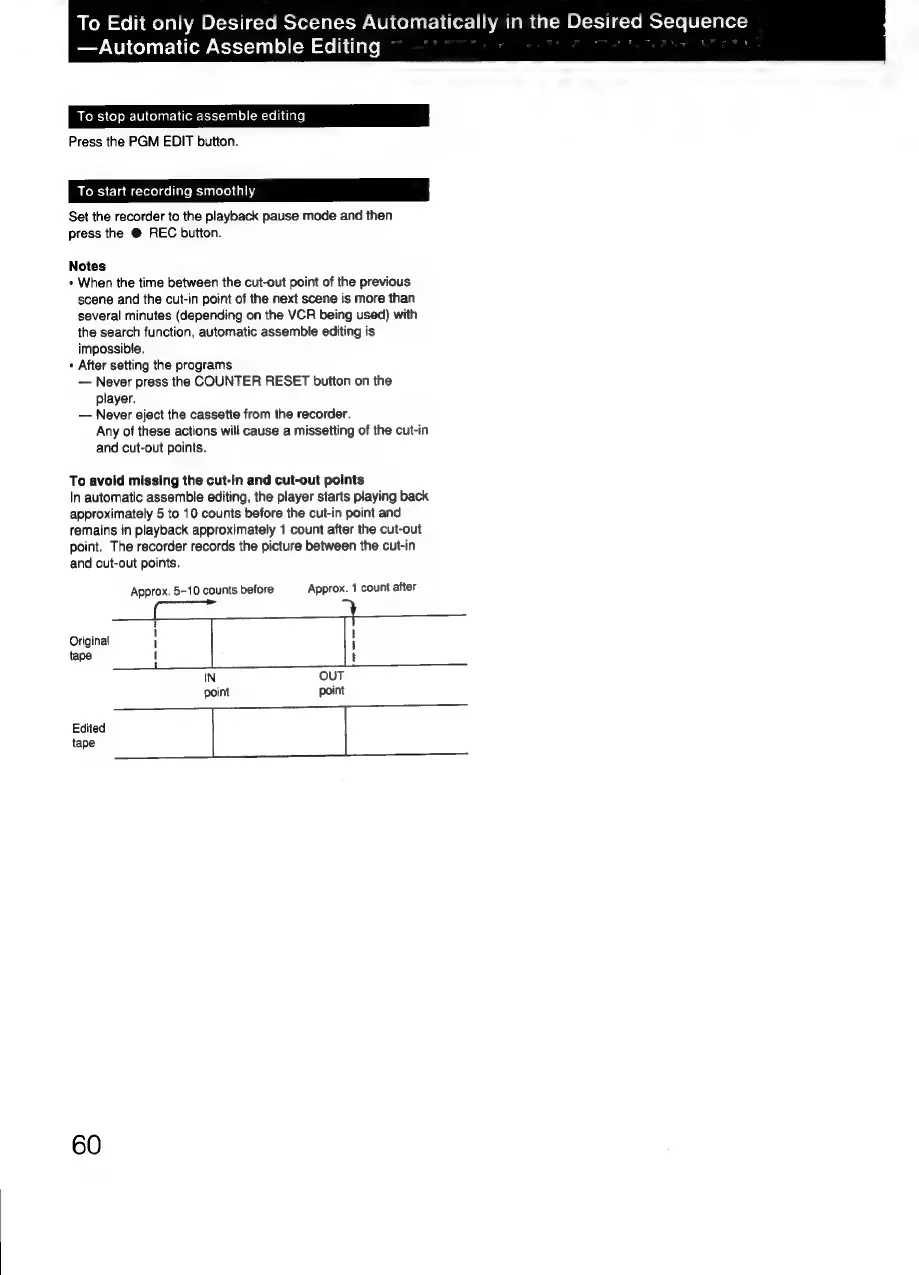
To
avoid
missing
the
cut-in
and
cut-out
points
In
automatic
assemble
editing,
the
player
starts
playing
back
approximately
5
to
10
counts
before
the
cut-in
point
and
remains
in
playback
approximately
1
count
after
the
cut-out
point.
The
recorder
records
the
picture
between
the
cut-in
and
cut-out
points.
Approx.
5-10
counts
before
Approx.
1
count
after
t
ri
t
l
Original
1
H
tape
1
t
IN
OUT
point
point
Edited
tape
60

Related product manuals