EasyManua.ls Logo

Sony RM-E300 - Troubleshooting Guide

Sony RM-E300
73 pages
Print Icon
To Previous Page IconTo Previous Page

Loading...
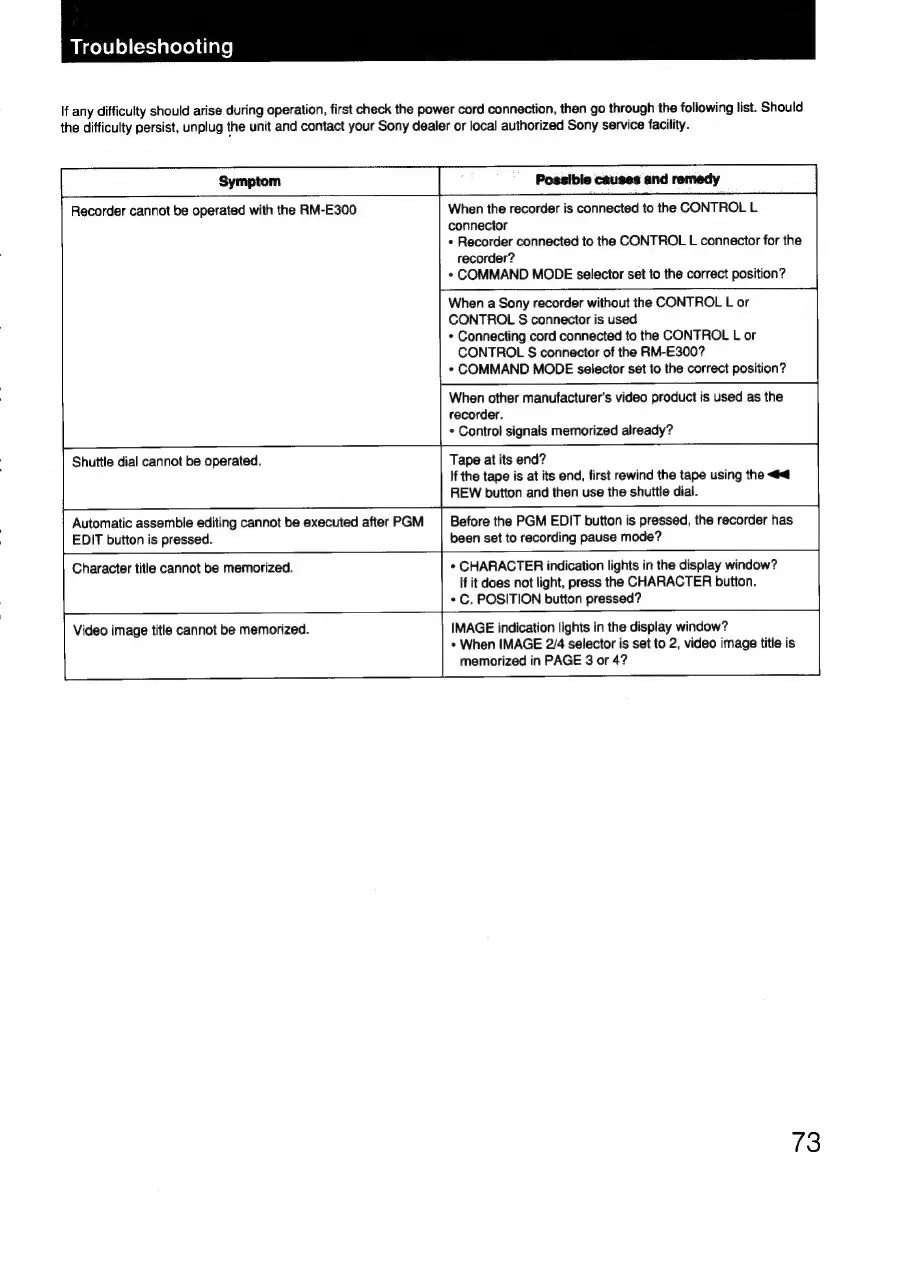
Troubleshooting
If
any
difficulty
should
arise
during
operation,
first
check
the
power
cord
connection,
then
go
through
the
following
list.
Should
the
difficulty
persist,
unplug
the
unit
and
contact
your
Sony
dealer
or
local
authorized
Sony
service
facility.
Symptom
Recorder
cannot
be
operated
with
the
RM-E300
When
the
recorder
is
connected
to
the
CONTROL
L
connector
«
Recorder
connected
to
the
CONTROL
L
connector
for
the
recorder?
*
COMMAND
MODE
selector
set
to
the
correct
position?
When
a
Sony
recorder
without
the
CONTROL
L
or
CONTROL
S
connector
is
used
*
Connecting
cord
connected
to
the
CONTROL
L
or
CONTROL
§
connector
of
the
RM-E300?
«
COMMAND
MODE
selector
set
to
the
correct
position?
When
other
manufacturer’s
video
product
is
used
as
the
recorder.
«
Control
signals
memorized
already?
Shuttle
dial
cannot
be
operated.
Tape
at
its
end?
If
the
tape
is
at
its
end,
first
rewind
the
tape
using
the
<4
REW
button
and
then
use
the
shuttle
dial.
Automatic
assemble
editing
cannot
be
executed
after
PGM
EDIT
button
is
pressed.
Before
the
PGM
EDIT
button
is
pressed,
the
recorder
has
been
set
to
recording
pause
mode?
Character
title
cannot
be
memorized.
*
CHARACTER
indication
lights
in
the
display
window?
If
it
does
not
light,
press
the
CHARACTER
button.
*
C.
POSITION
button
pressed?
Video
image
title
cannot
be
memorized.
IMAGE
indication
lights
in
the
display
window?
*
When
IMAGE
2/4
selector
is
set
to
2,
video
image
title
is
memorized
in
PAGE
3
or
4?
S|
73

Related product manuals