155
Selecting the drive mode
Shooting (Advanced operations)
Notes
• When is selected, the image recorded between the frames is displayed.
• You cannot shoot continuously when using Scene Selection modes other than
[Sports Action].
The 10-second self-timer is convenient when the photographer appears in a
photo and the 2-second self-timer is convenient to reduce the camera shake.
To cancel the self-timer
Press the (Drive) button.
Bracket shooting allows you to shoot several images, each with different
degrees of exposure. Specify the value of deviation (steps) from the base
Self-timer
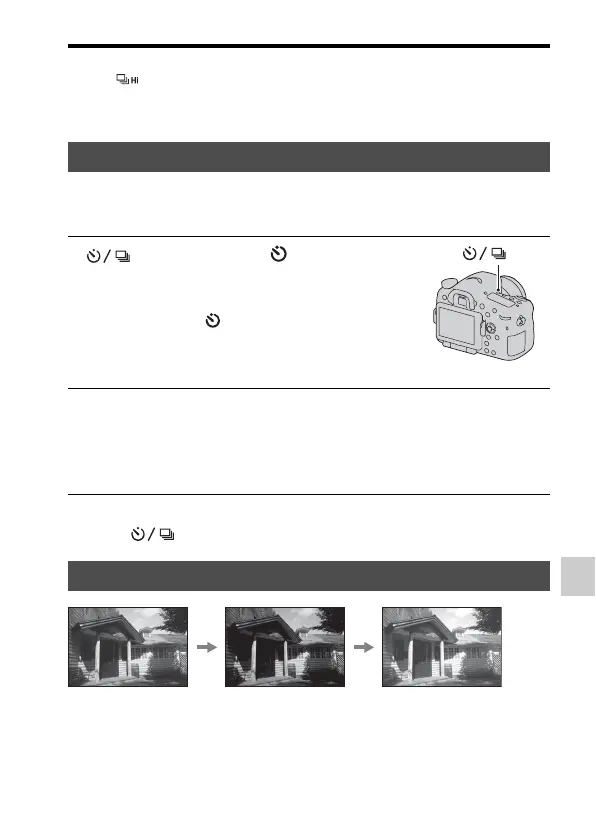
1 (Drive) button t (Self-
timer) t Select the desired
setting
• The number after is the number of
seconds that is currently selected.
button
2 Adjust the focus and shoot the subject.
• When the self-timer is activated, audio signals and the self-timer lamp
indicate the condition. The self-timer lamp flashes quickly and the audio
signal sounds quickly right before the shooting.
Bracket: Cont./Single Bracket
Base exposure
– direction
+ direction



 To Next Page